
Conference rooms in Ontario, CA.
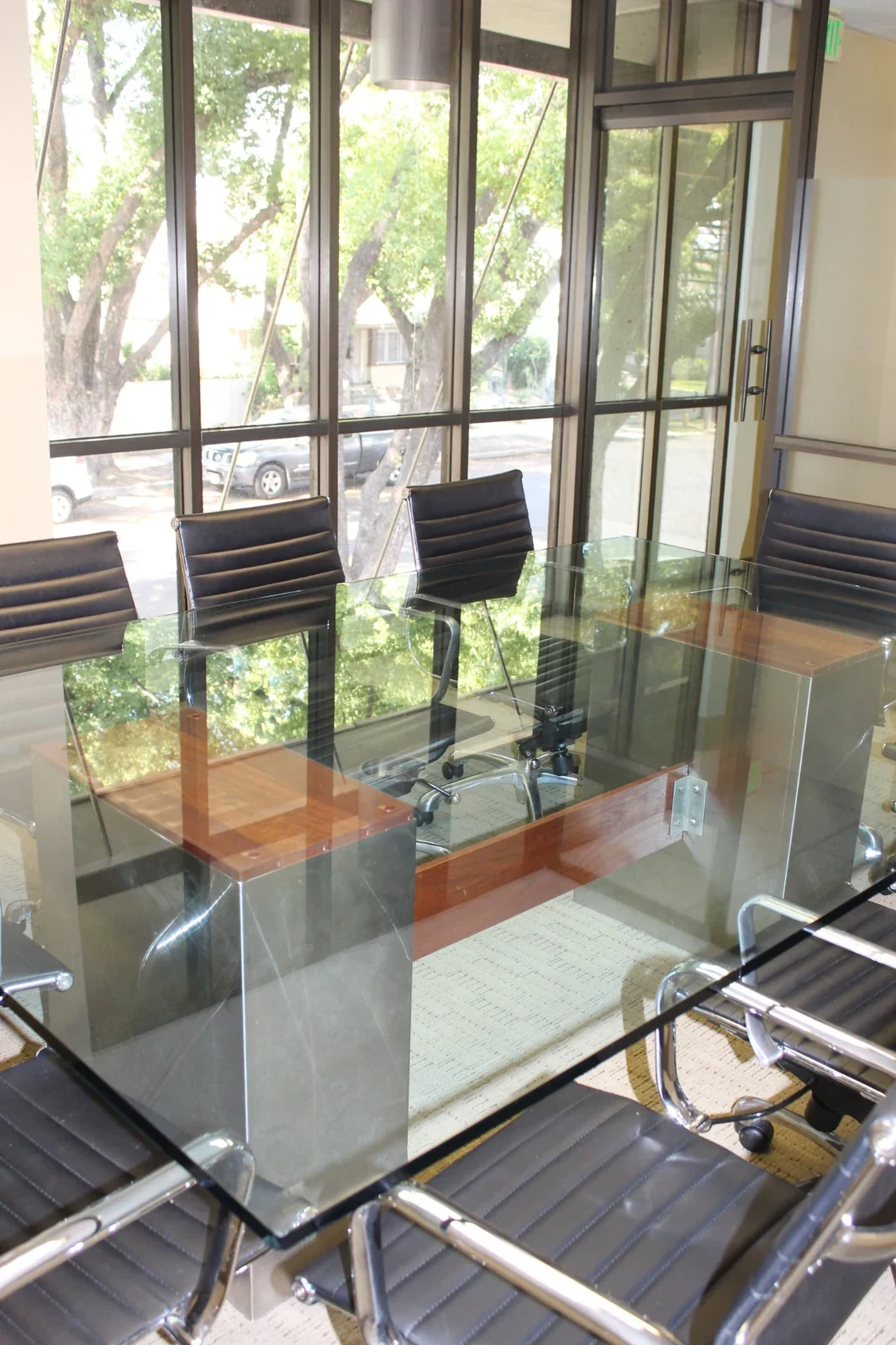
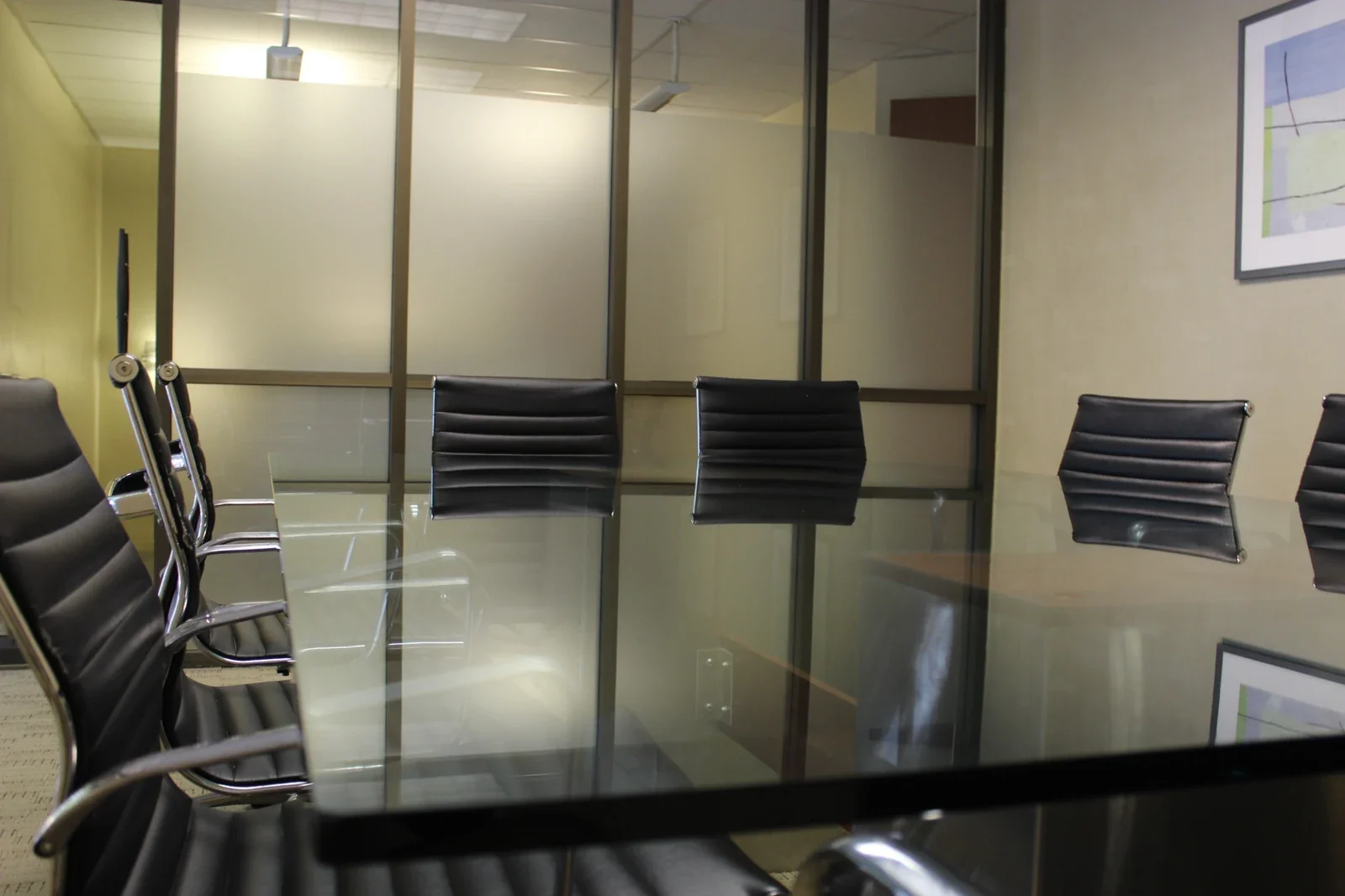
Bring clients and colleagues together for a meeting with a clear purpose. Gateway offers two professional conference rooms, with the large room accommodating up to ten guests. Reserve by the hour, half day, or full day, with free parking and fiber internet to support your visit. Confirm the room and presentation setup, then give your conversation the attention it deserves.
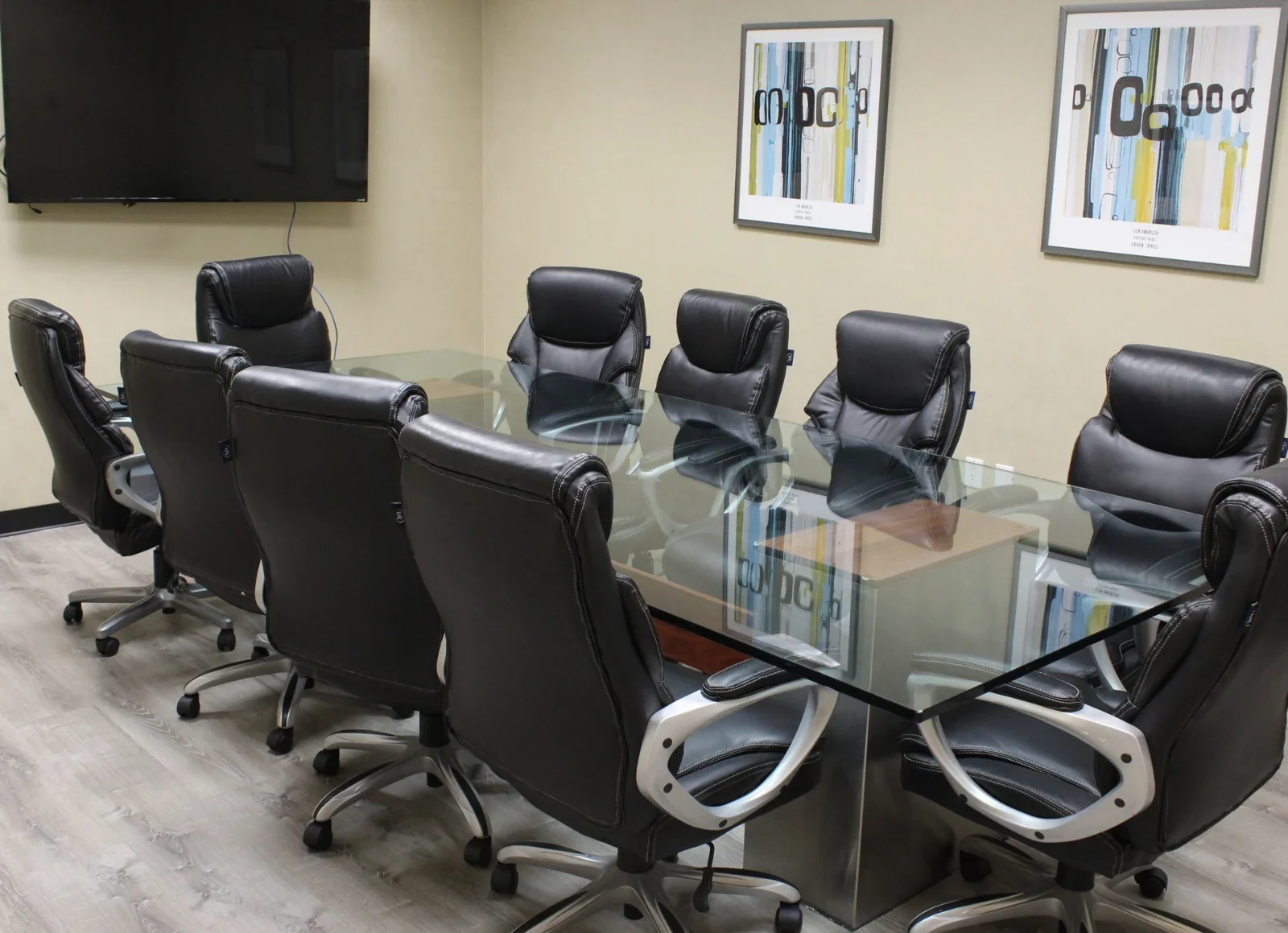 Gateway’s large conference room
Make every conversation count.
Use a conference room for the time your agenda needs, from an hour-long client conversation to a half-day workshop or full-day planning session. Bring your guest count, meeting format, and preferred date to the booking process. Our team can help you confirm the room, equipment connections, and arrival arrangements.
Make time for the conversation
Choose a short meeting or a longer working session without committing to a permanent office. Match your booking duration to the agenda, with time for any preparation you need.
Share the bigger picture
Bring proposals, project updates, and ideas into view with a presentation display. Confirm the display and connections for your selected room before arriving with your laptop.
Make arriving simple
Meet two blocks from Downtown Ontario, with convenient access to Ontario International Airport. Free parking gives local colleagues and visiting clients one less detail to organize.
Bring your next idea
to the table.
Select a meeting type to explore how the room can support your conversation. See what to bring, what to confirm, and how to give your agenda the time it needs.
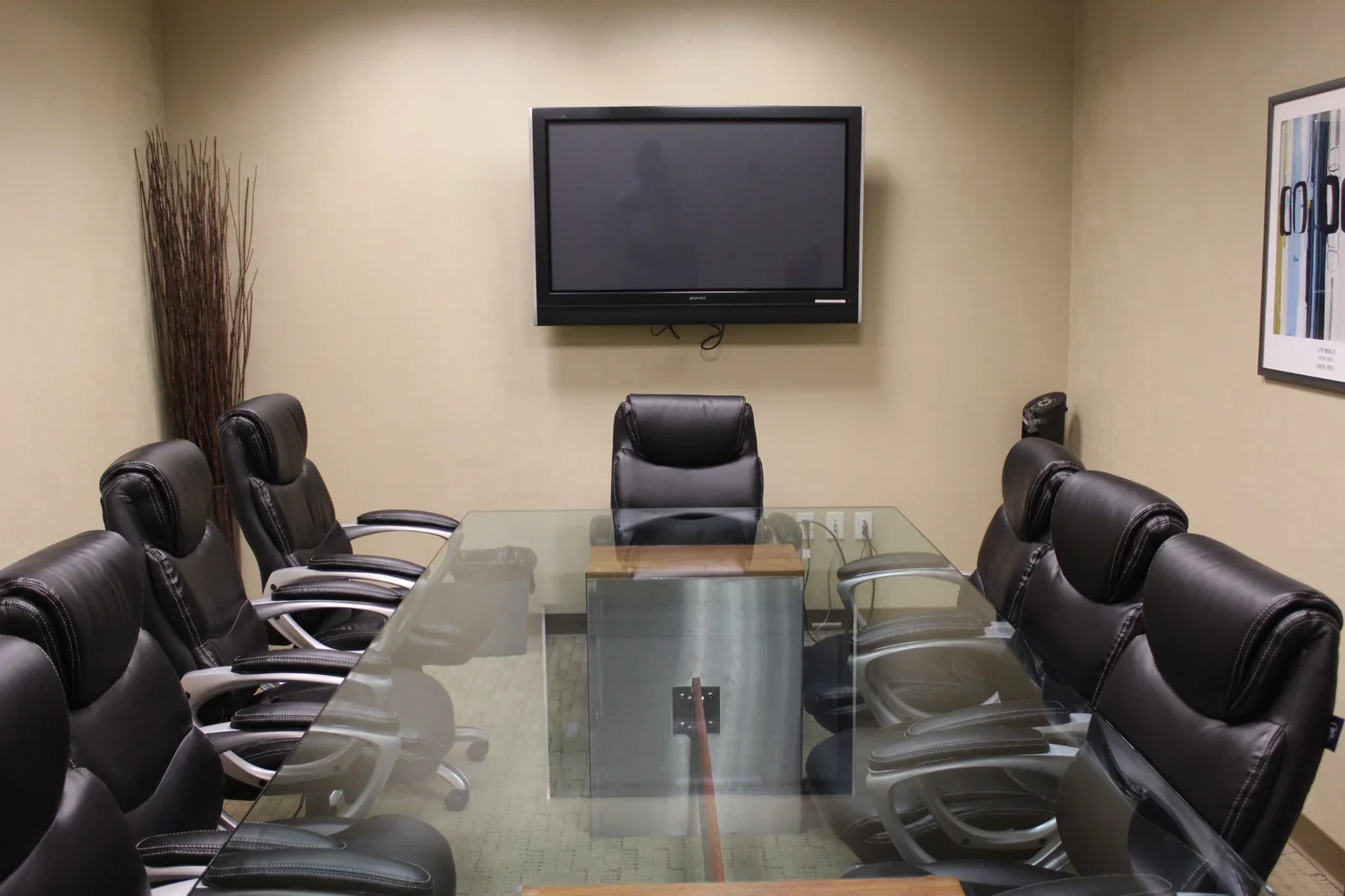
Give your proposal room to make an impression.
Welcome clients into a professional setting for a proposal, demonstration, or progress presentation. A reserved conference room gives you space to explain the details, answer questions, and agree on next steps together. With free parking and a clear meeting destination, you can make the invitation straightforward for local and visiting clients.
Confirm the display and laptop connections for your selected room, then bring your files and any adapters you need. Allow time to set up before guests arrive, and share the address and entry instructions beforehand.
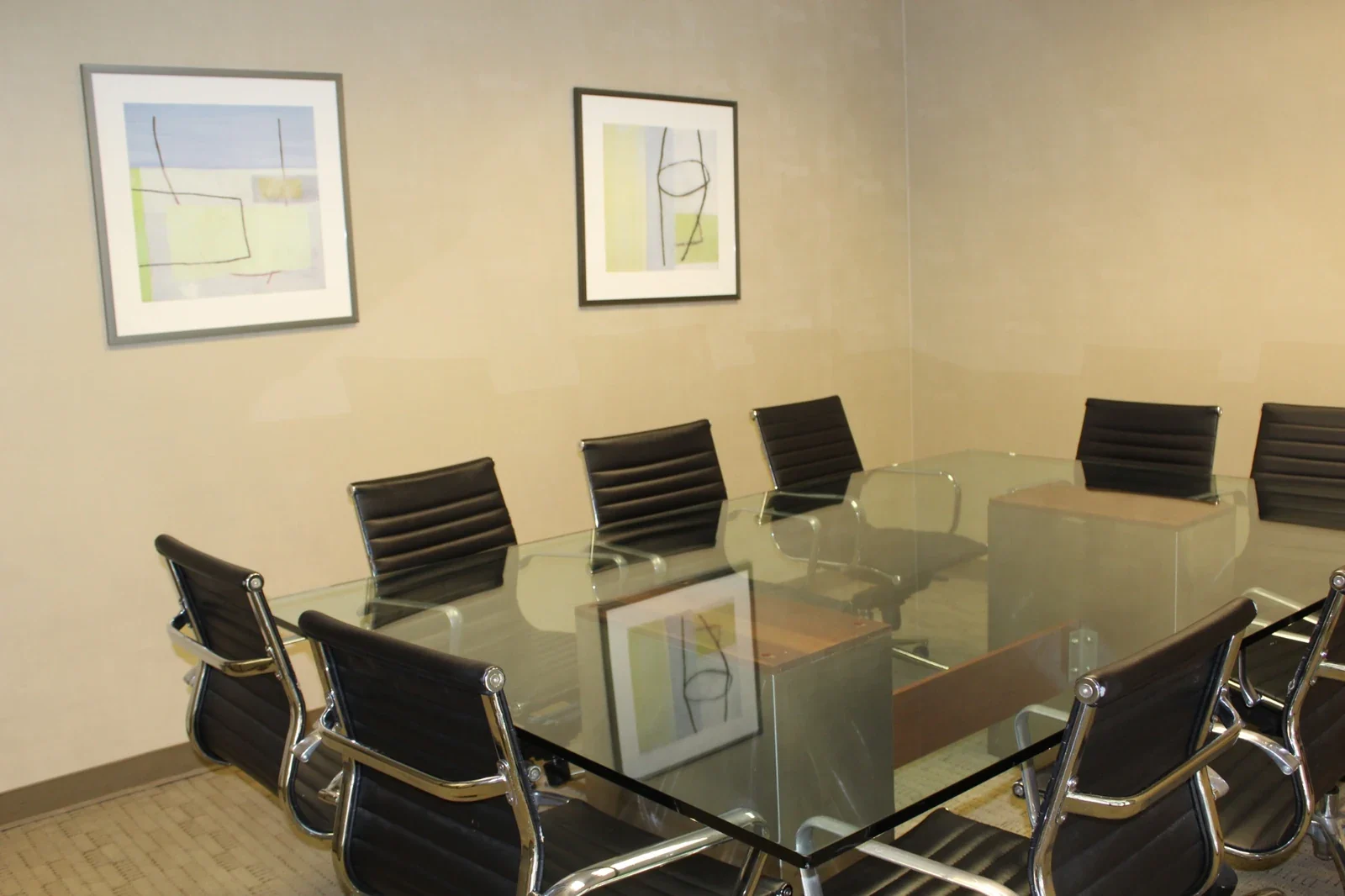
Leave with priorities everyone understands.
Gather your team to review a project, plan a launch, or work through decisions that need shared attention. A dedicated meeting room gives everyone a common place to compare ideas, weigh options, and agree on responsibilities. Choose a duration that leaves enough room for discussion as well as decisions.
Send a short agenda and background materials before the meeting. Bring any documents you want to review together, then use the closing minutes to confirm action owners, deadlines, and the next check-in.
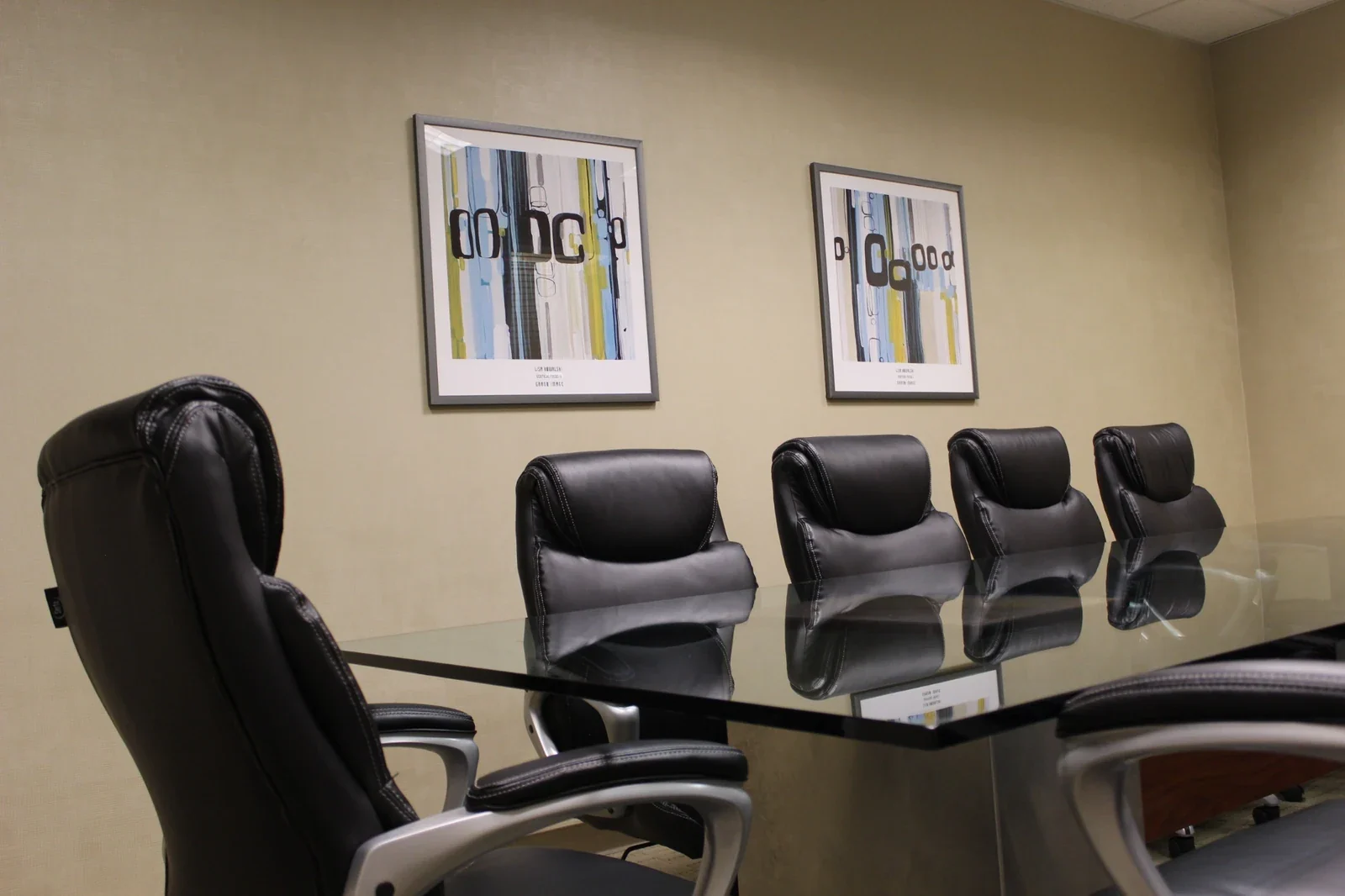
Make space for a thoughtful introduction.
Meet candidates in a professional business setting where the interview has a clear place and purpose. Bring the people who need to take part, prepare your questions, and use the session to explore experience, expectations, and fit. A reserved room gives the conversation a dedicated setting away from your usual working routine.
Confirm the room for your total group, including interviewers and candidates. For several appointments, allow time between interviews and give each candidate clear arrival details, a contact number, and an agreed meeting time.
Give important questions your attention.
Bring a client, adviser, or business partner together for a focused conversation about plans, options, or next steps. A reserved conference room gives your appointment a professional setting without requiring a permanent office. Use the time to review information together, ask useful questions, and clarify what each person will do next.
Share the purpose beforehand and bring the documents you want to discuss. Confirm the selected room, total guest count, and any particular privacy or equipment requirements so you can assess whether the space suits your conversation.
Connect the room with the wider conversation.
Bring on-site colleagues and remote participants into one planned conversation with Wi-Fi and 1-Gig download and upload fiber internet. Use your laptop and meeting platform to share updates, hear different perspectives, and work through decisions together. Plan pauses for remote participants so the discussion gives everyone an opportunity to contribute.
Confirm the camera, microphone, speakers, adapters, and display connections your session needs; these items are not automatically included. Bring your meeting link and equipment, and reserve time to test the setup before participants join.
Turn shared knowledge into a useful session.
Use a conference room for a small group briefing, skills discussion, or working session around the table. Bring a clear goal and activities that suit the room’s existing setup. A dedicated setting helps you bring participants together to explore a topic, exchange ideas, and put new understanding into practice.
Confirm the selected room and total group size; the large conference room accommodates up to ten people. Bring your materials and allow time to collect them afterward. For larger groups, ask about the Training Room.
Photos show different views of Gateway meeting spaces, not six separate rooms. Confirm the specific room, total group size, and presentation connections for your reservation.
Settle in.
Stay focused.
From connecting your laptop to welcoming your guests, these everyday amenities help your meeting run smoothly. Confirm any extra services before booking.
1-Gig fiber internet
Open presentations, share documents, and connect with remote participants using Wi-Fi and fiber internet with 1-Gig download and upload speeds. Confirm any wired connection your meeting needs.
Free parking
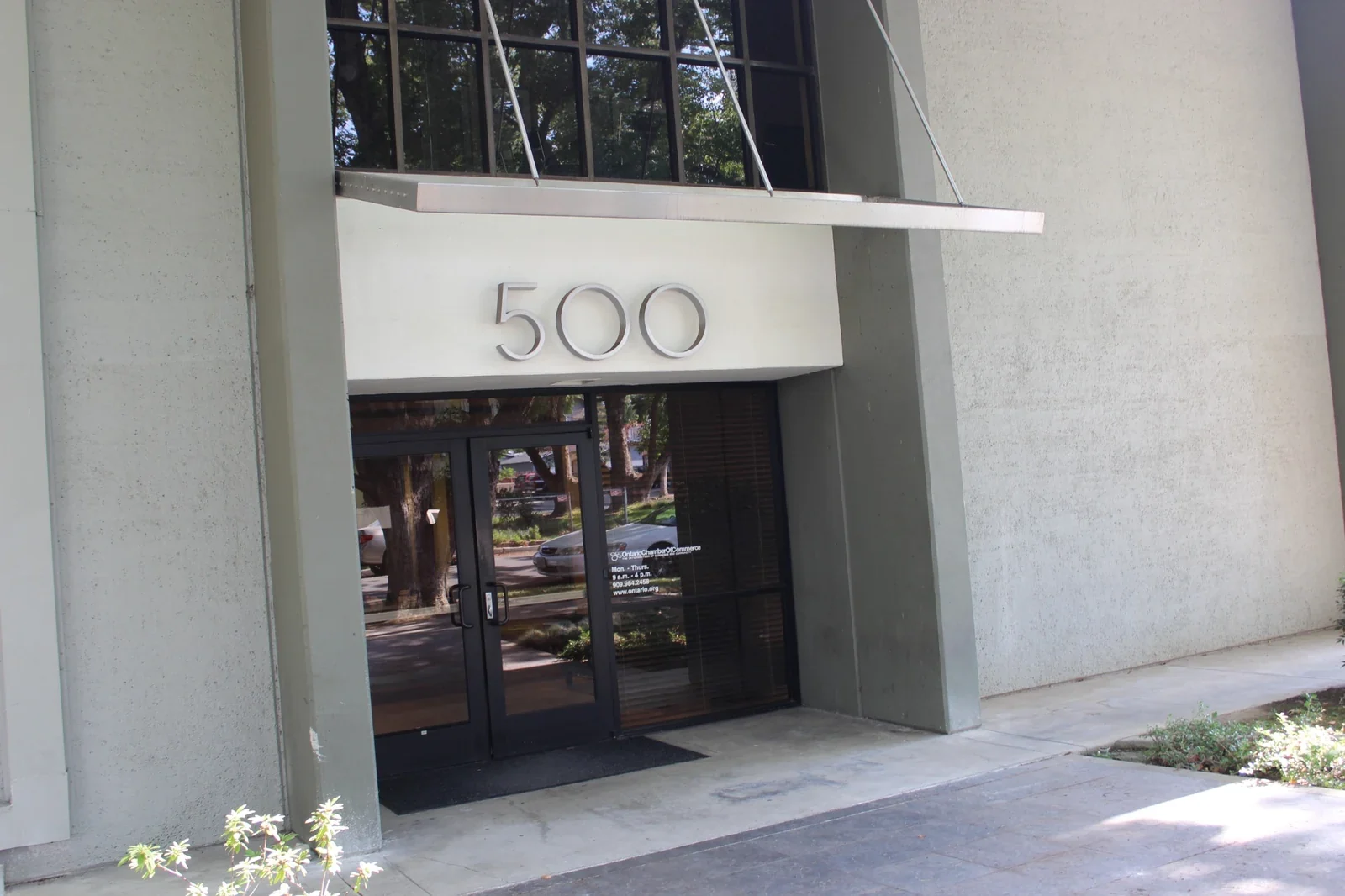
Give clients and colleagues an easier arrival with free parking at Gateway. Share 500 East E St, Ontario, CA 91764 with your guests before the meeting.
A professional welcome
Welcome your guests into a professional business setting where the conversation can take priority. Arrange arrival and room access with our team, especially for evening or weekend bookings.
Shared conveniences
Access shared refrigerators, microwaves, and water fountains during meeting breaks. These everyday conveniences are useful when your discussion continues through a longer session.
Accessible shared facilities
Shared restrooms and accessible building facilities support your visit. Tell our team about specific access requirements so you can confirm the route and room before inviting guests.
Office Cleaning Service
A cared-for meeting environment helps you welcome clients and colleagues with confidence. Confirm any preparation or cleanup time you need within your reservation.
The selected room, display connections, and access arrangements are confirmed for your booking. A Polycom phone may be available for an additional fee; ask about copying charges.
A clearer agenda.
A better-prepared meeting.
Choose your meeting type and adjust the details. See a suggested agenda, check your group against the large-room limit, and calculate the room time to request.
Client presentations
Use this starting point to organize your conversation, then adjust the agenda with your participants.
- Room time to request
- 1 hour 30 minutes
- In-person group
- 6 people
6 people against the large-room limit of 10. Confirm the capacity of your selected room.
From arrival to wrap-up
Times below are elapsed from the start of your room reservation.
- 00:00–00:15Arrive & connect15 minutes
- 00:15–00:25Frame the goal10 minutes
- 00:25–01:00Present the proposal35 minutes
- 01:00–01:15Agree on next steps15 minutes
- 01:15–01:30Wrap up & leave the room ready15 minutes
Confirm the presentation display and connections; bring your laptop, files, and required adapters.
Your group exceeds the large conference room’s ten-person limit. Call to discuss a larger space and confirm its capacity.
This is a suggested agenda and time estimate, not a room layout, quote, or availability check. Your selections stay on this page and are not submitted. Choose your room and duration again in Deskworks, and confirm equipment, access, total charges, and terms before booking. For longer sessions or help planning, call (909) 988-3478.
Meet at Gateway in Ontario, California.
Share one clear meeting destination with every guest.
Gateway Executive Suites is at 500 East E St, Ontario, CA 91764, near Downtown Ontario. Free parking is available. Call ahead to confirm the selected room, entry instructions, and any specific access needs.
Gateway Executive Suites500 East E St
Ontario, CA 91764
Before you reserve
- Count everyone attending in person; only the large conference room is confirmed for up to 10.
- Include arrival, equipment checks, breaks, and cleanup within your requested room time.
- Check the room, date, duration, total price, and terms in the Conference Room category in Deskworks.
Your questions.
Answered.
Find answers about room size, equipment, rates, and access. If your meeting needs a particular setup, call us before you reserve.
How many people can the conference rooms accommodate?
Gateway has two professional conference rooms. The large room accommodates up to ten guests; that capacity does not apply to every room. Confirm the selected room and your total group size before booking. For a larger session, ask about our Training Room or Event Space.
Can I book by the hour, half day, or full day?
Yes. Hourly, half-day, and full-day conference room reservations are available, subject to room availability. Choose a duration that covers your meeting and discuss any preparation or cleanup time you need. Review the available options and total in Deskworks before confirming.
What amenities are available for my meeting?
Free parking, Wi-Fi, and fiber internet with 1-Gig download and upload speeds are available at Gateway. Guests can use shared restrooms, refrigerators, microwaves, and water fountains. Confirm the presentation display for your selected room. Copying and phone options may carry additional charges.
What should I bring for a presentation or video meeting?
Bring your laptop, presentation files, and any meeting links. Confirm display connections, adapters, and your camera, microphone, or audio requirements before your visit; these items are not automatically included. A Polycom phone may be available for an additional fee. Ask our team to confirm the equipment and setup for your booking.
How do I reserve a conference room?
Select Book now to open the Conference Room booking category in Satellite Deskworks. Review the available room, date, start time, duration, total price, and booking terms before completing the reservation. If you need help choosing the room or confirming equipment and entry arrangements, call (909) 988-3478.
Are evening and weekend meetings possible?
Meeting availability can be arranged seven days a week. Contact our team to confirm your preferred room, date, time, and entry details, especially outside standard hours. Availability by arrangement does not mean every room or staff assistance is available around the clock.
Where can I check rates and change or cancellation terms?
Review current rates, the total for your selected booking, and the terms shown in Deskworks before reserving. For a change or cancellation, follow the instructions associated with your reservation or contact our team for clarification. Any additional services and charges should be confirmed before your visit.
What if my preferred room or time appears unavailable?
Call (909) 988-3478 with your preferred date, time, duration, and group size. Our team can check whether another conference room, time, or meeting space could suit your plans. An alternative is subject to availability and must be confirmed before you invite guests.
Reserve your room.
Bring your plans.
Open Satellite Deskworks to choose your room, date, and duration, then review the availability, total, and booking terms. Confirm equipment and entry needs with our team before you arrive. If your preferred time is unavailable, call us to discuss another room or time.
Conference Rooms
500 East E St, Ontario, CA 91764
Book nowConference Room booking opens in Satellite Deskworks. Review your selected room, time, total, and terms before confirming.Get directionsSave our contactA different plan?
Explore a different space.
 A full day of focus
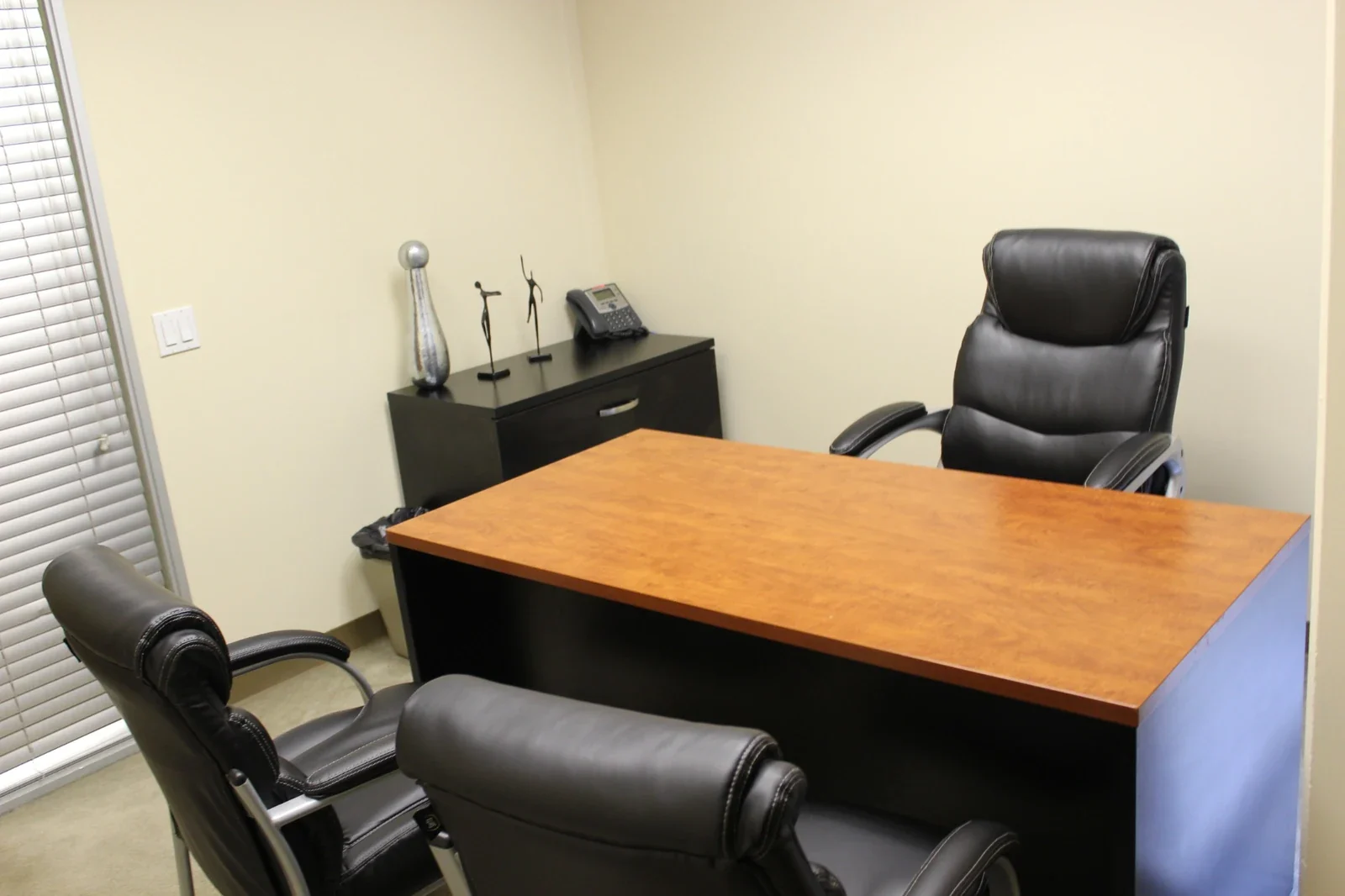
Day Office
A furnished private office for up to three people. Settle in for focused work, client conversations, or a day between appointments.
Explore the space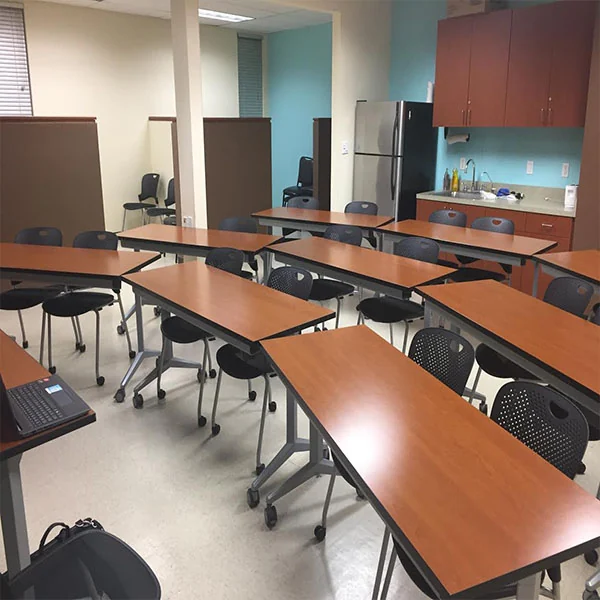 Learn something together
Training Room
Bring your workshop, onboarding session, or seminar to life with a projector, whiteboard, and connected workspace.
Explore the space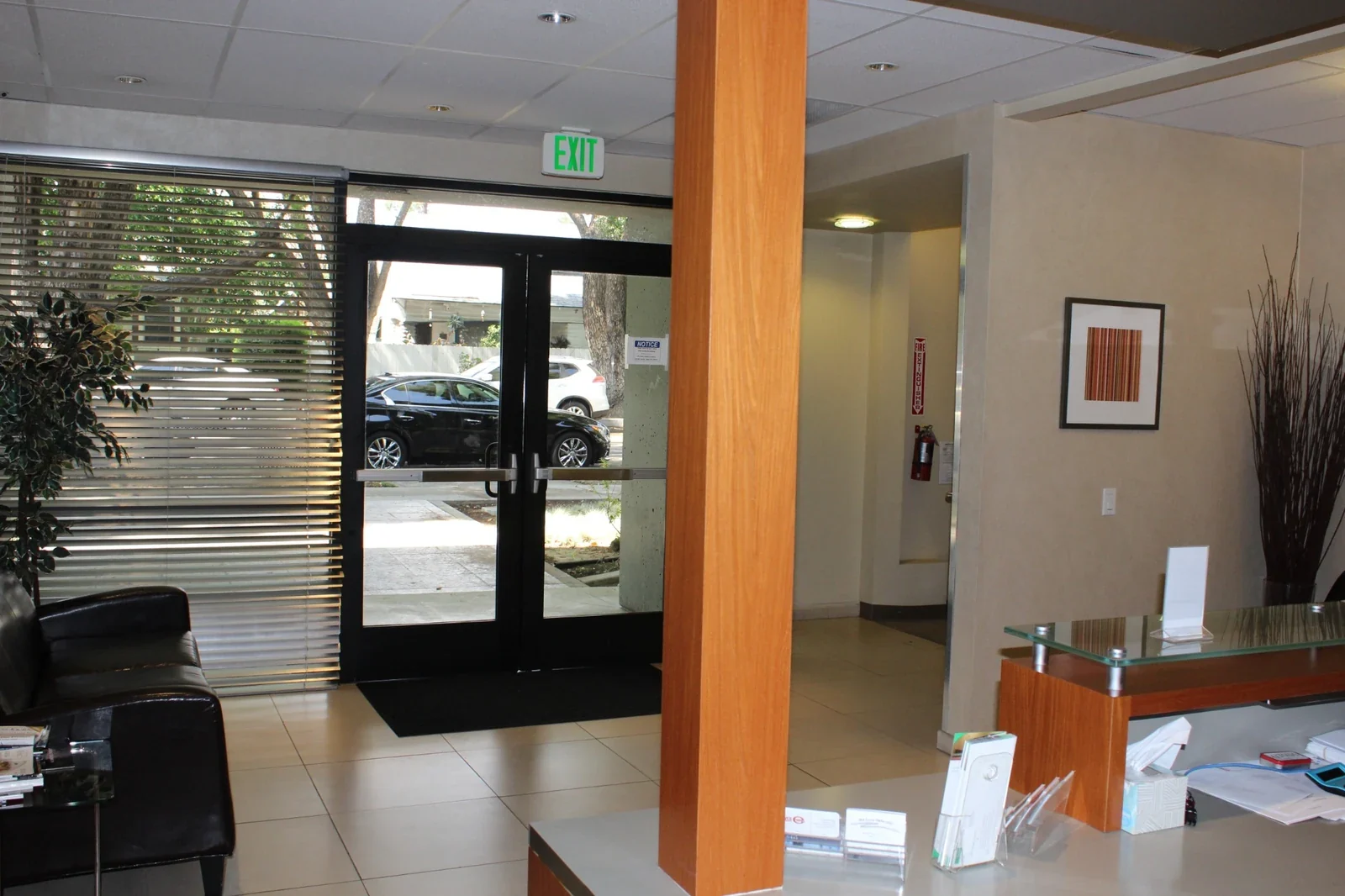 An occasion to connect
Event Space
Bring your business gathering, networking event, or community program into a professional and welcoming setting.
Explore the space