
Podcast & recording space in Ontario, CA.
Make time for the conversation, lesson, or story you want to share. Explore a professional room at Gateway Executive Suites for your recording plans, with free parking, Wi-Fi, and 1-Gig download and upload fiber internet. Tell us your format, guest count, equipment, and preferred date so we can review the available space and arrangements with you.
Try the recording planner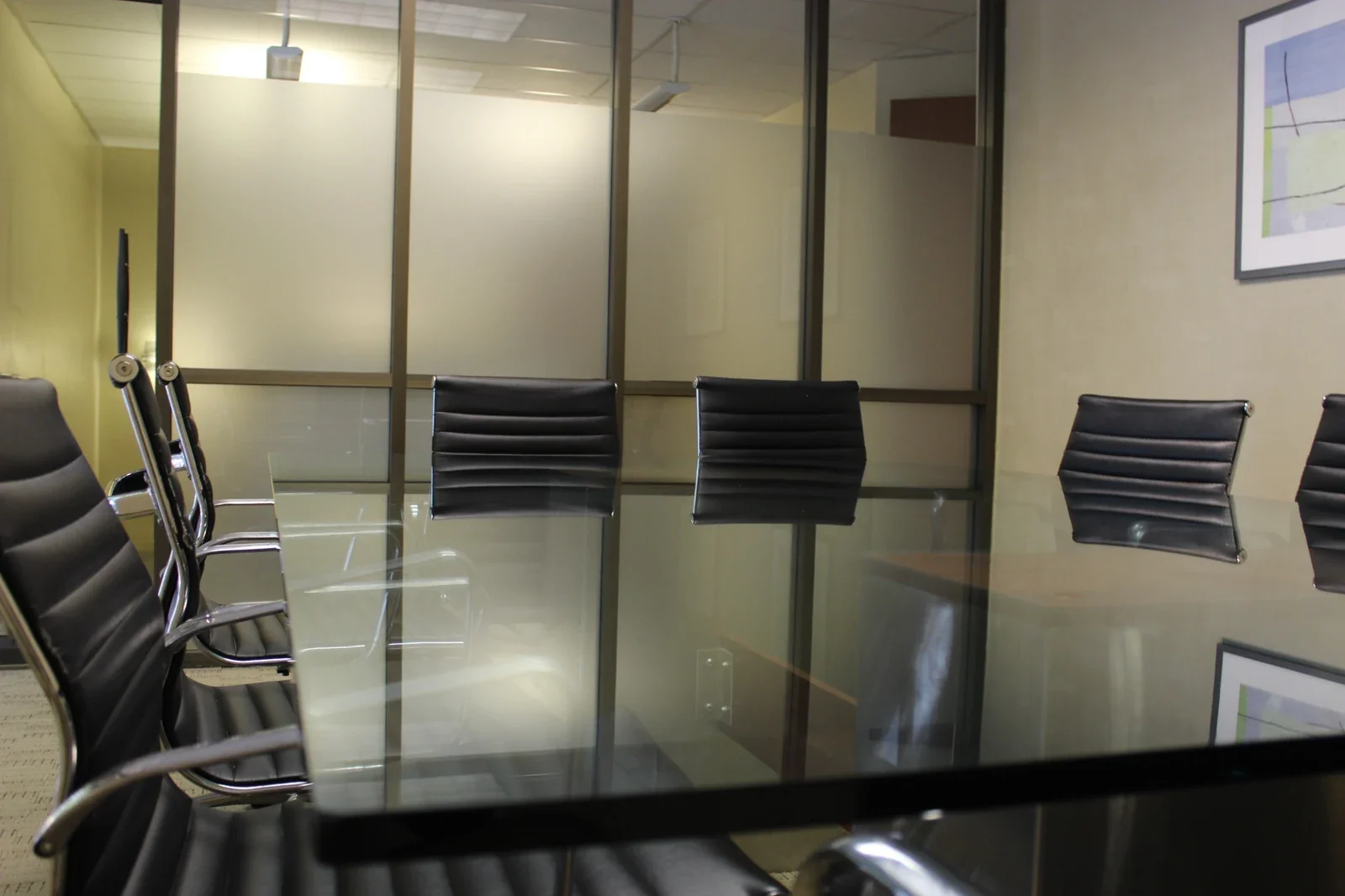 Gateway meeting space · discuss recording suitability
Start with your idea. Find the right setting.
Start with the format you have in mind: a guest conversation, an interview, a lesson, or a business message. Share your participant count, equipment, and schedule, then review the available room with our team. Understanding the setting and access arrangements in advance leaves you better prepared to use your reserved time.
Start with your idea
Bring a topic, outline, or interview plan and tell us how you want to record it. We’ll discuss the available room and help you understand the practical arrangements for your session.
Keep your workflow connected
Wi-Fi and fiber internet support research, collaboration, and file transfers. Discuss any wired connection or remote-participant requirements before choosing the room.
Make arrival straightforward
Free parking and an Ontario location near downtown help you and your guests reach the session. Confirm entry details and allow time for your agreed setup before recording begins.
What would you
like to record?
Choose a format to explore the possibilities, prepare the practical details, and turn your idea into a session plan.
Give a good conversation room to unfold.
Bring co-hosts or collaborators together around a topic your audience cares about. A planned session gives you time to compare notes, agree on the flow, and record a conversation with a clear beginning, useful discussion, and a memorable closing.
Prepare a short running order and decide who leads each part. Discuss everyone present, the table and seating you need, and the space your recording equipment will take. Review the actual room’s sound conditions before committing; microphones, headphones, acoustic treatment, and an operator are not automatically included.
Before your session. Bring your outline, agreed recording equipment, and a way to save a second copy. Allow for setup, a short test recording, extra takes, and packing away.
Make space for someone else’s story.
Plan a founder interview, professional profile, or guest feature around the story you want to uncover. Share the theme and format in advance so your guest knows what to expect, then use a few strong questions to guide a natural conversation.
Plan guest arrival, introductions, and a sound check before the interview. Agree who will ask questions and who will watch the recording. If a guest joins remotely, discuss the connection and room needs beforehand and test the platform and your own equipment. Internet access alone does not guarantee a successful remote session.
Before your session. Bring your question list, guest instructions, and agreed permissions to record and share the conversation. Confirm arrival, room suitability, and the full access window with Gateway.
Turn what you know into something to share.
Use a dedicated session to record spoken lessons, explainers, or professional insights. Break the topic into a clear learning goal, a few useful ideas, and a closing recap. Smaller, focused recordings can make a series easier to plan and review.
Bring an outline, reference materials, and any screen or visual examples your own setup needs. Record a short test before working through the lesson, and allow time to repeat difficult passages. Review room suitability, power, connections, and any filming arrangements; teaching tools, recording equipment, and editing services are not assumed.
Before your session. Define what the listener should understand after each piece. Number your lessons and files, and leave room in the schedule to check that each recording saved correctly.
Give your message a clear purpose.
Create a business introduction, founder story, team update, or a conversation about your work. Start with who the recording is for and the one message you want them to remember. A short brief helps speakers stay focused and makes the session easier to organize.
Choose the main points, examples, and next step before you arrive. Decide which voices and any visuals belong in the recording, and bring the approved materials and equipment you need. Talk through the room, participant count, camera or lighting requirements, and access with Gateway before making plans.
Before your session. Bring a message outline, speaker responsibilities, and agreed review steps. Leave time for alternate openings, corrections, and checking your files; production and editing are not included by default.
Think through what the audience will see.
Explore a room for a video-led conversation, filmed interview, or spoken presentation using your own agreed recording setup. Plan the framing, speaker positions, and sound together so everyone understands how the session will run.
Describe your cameras, microphones, stands, lights, cables, and crew before choosing a room. Review the actual background, room dimensions, lighting conditions, power, and safe equipment placement. An office or meeting room is not a fitted studio, and furniture changes, blackout conditions, acoustic treatment, or technical support are not promised.
Before your session. Bring a simple shot plan and an equipment list. Arrange any room changes in advance, test picture and sound together, and include equipment checks and pack-away time in your request.
Build a series, one focused session at a time.
Bring several episode or content ideas together for a planned recording visit. Preparing the outlines in advance lets you move from one piece to the next with a consistent setup, while giving each recording its own purpose and file name.
Allow time for changes between pieces, extra takes, breaks, and checking files. If speakers or equipment change, increase the relevant allowances in the planner. The model uses the same content target for each piece; for mixed lengths, use a rounded-up average or discuss a separate detailed schedule.
Before your session. Bring a numbered list of pieces, the people involved, and a file-naming plan. Confirm the complete access window and room suitability; several planned recordings do not guarantee a particular amount of finished content.
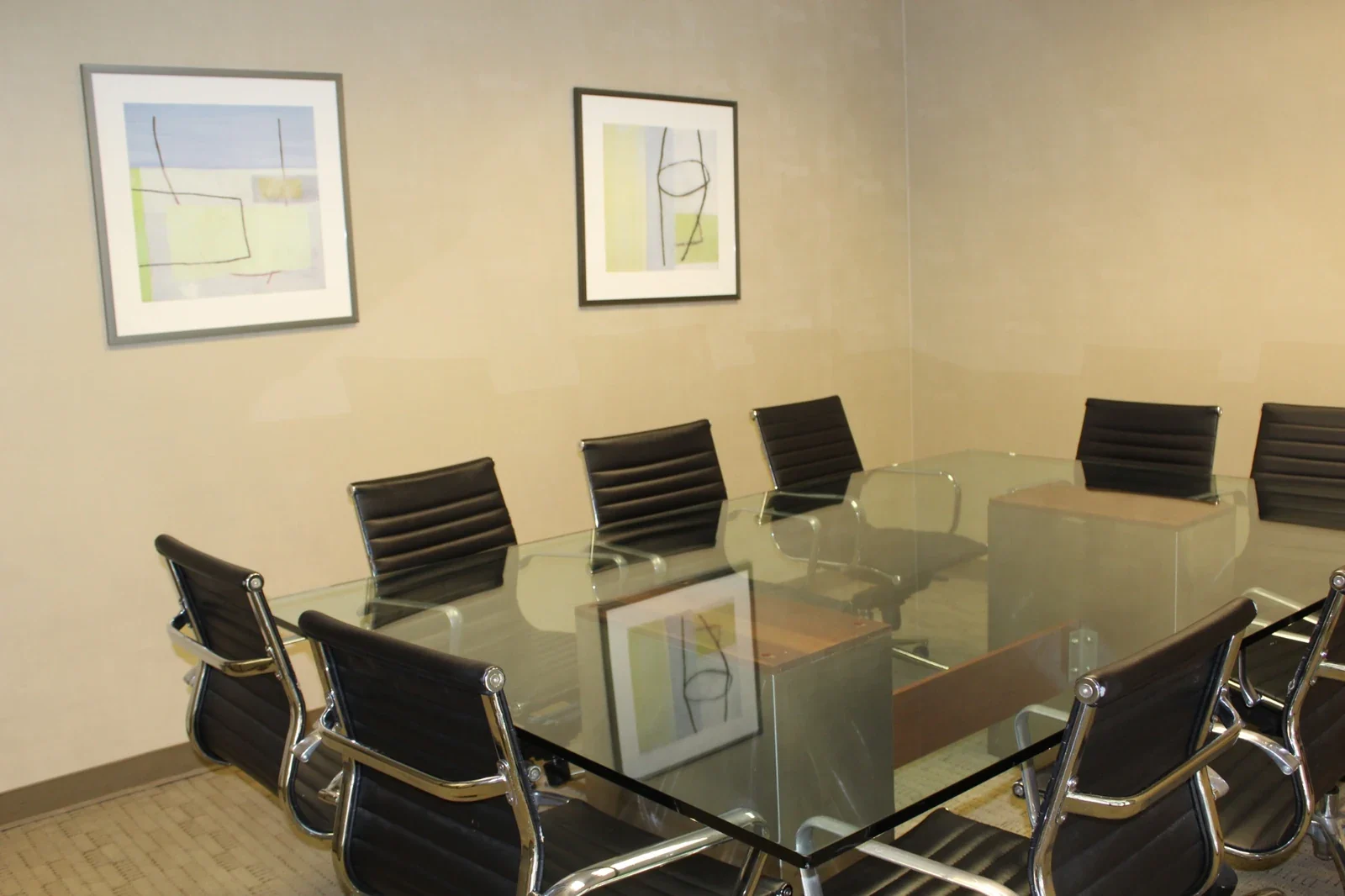
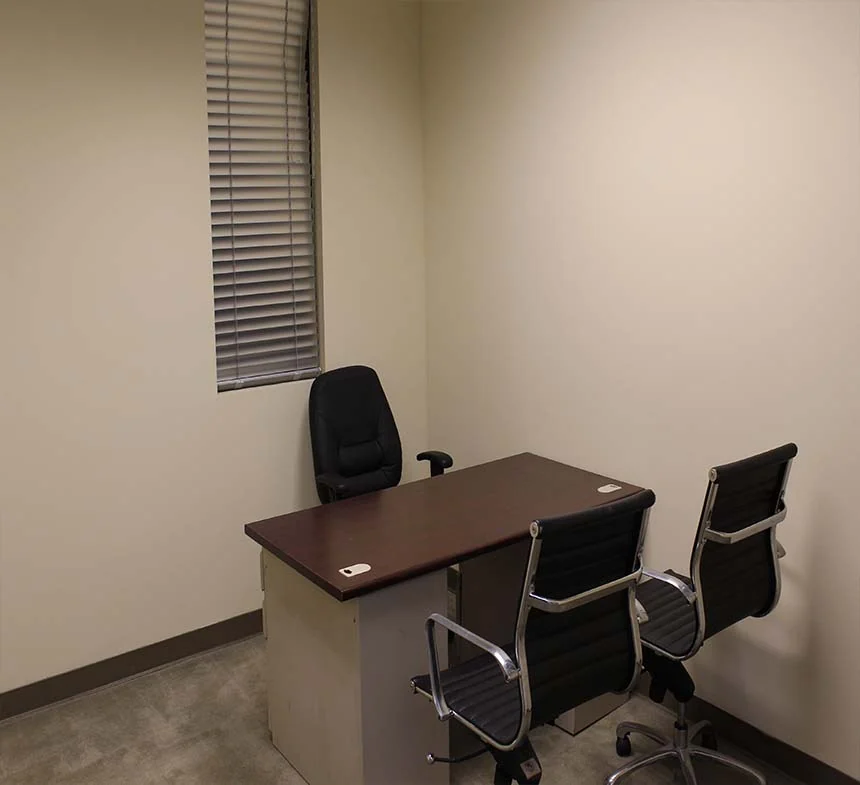
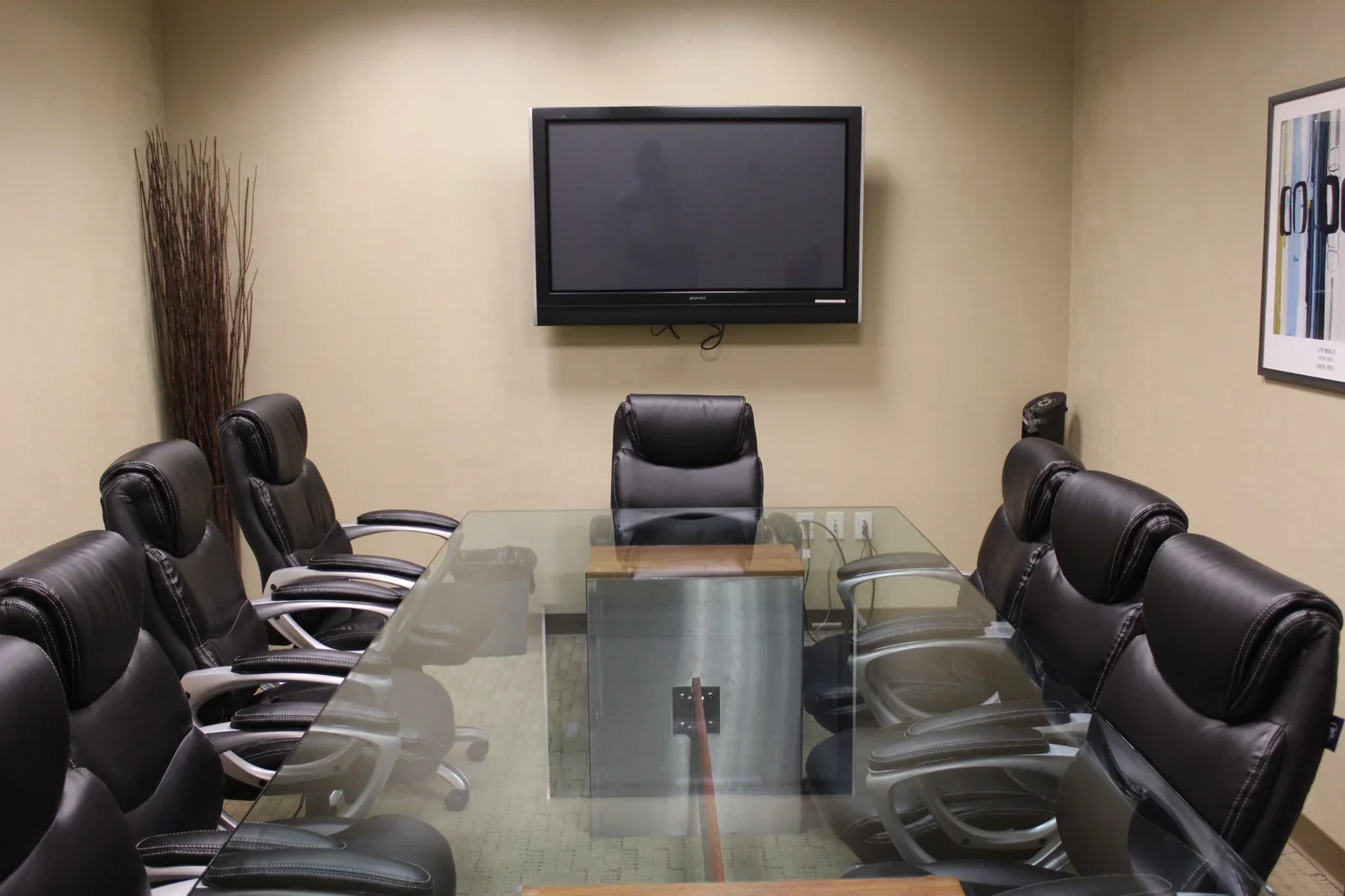
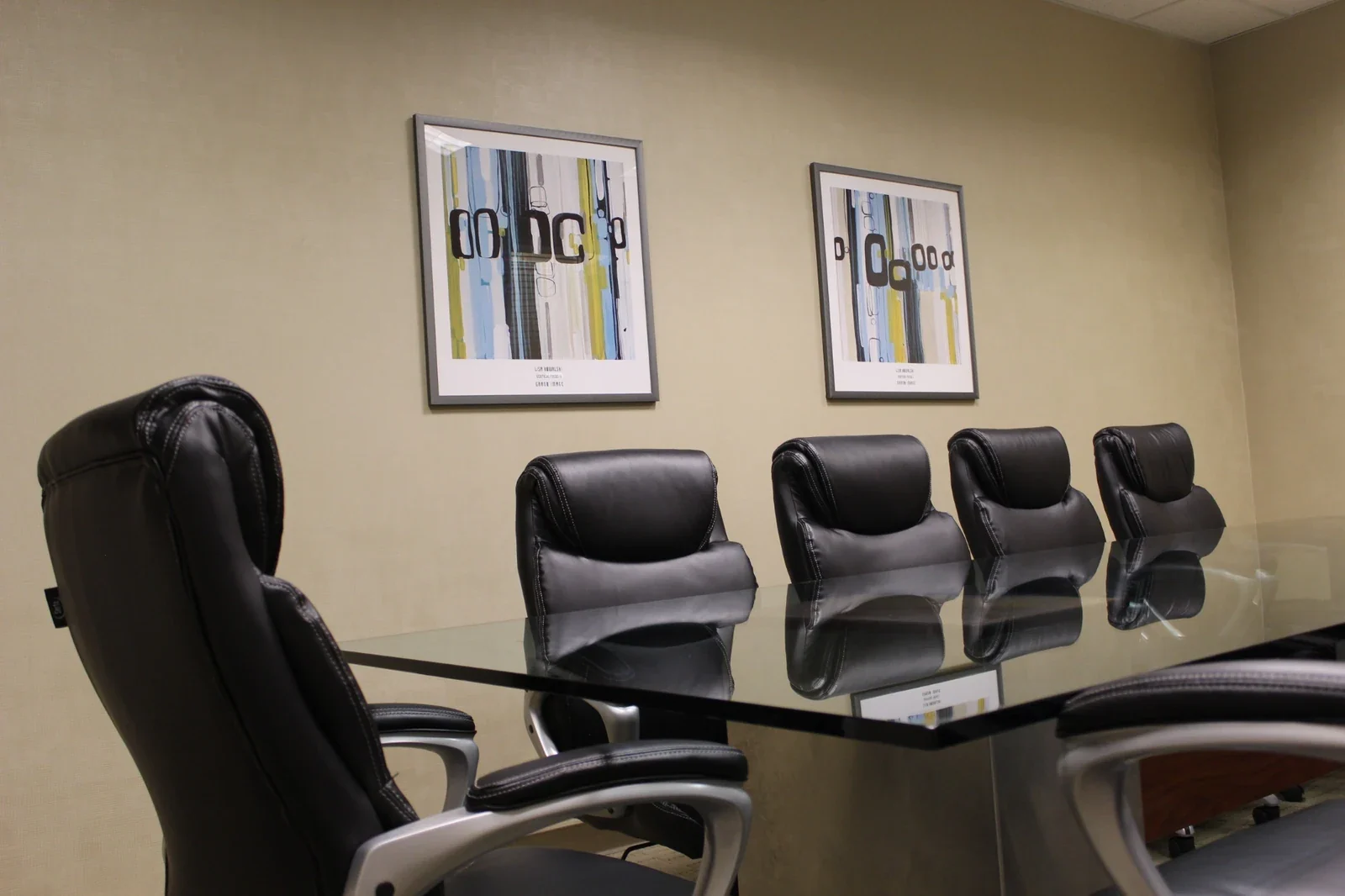
Photos show Gateway’s real office and meeting environments, not six recording studios or included recording equipment. Review the actual room, sound conditions, capacity, furnishings, equipment, and access with our team before confirming a session.
Come for the idea.
Feel welcome here.
Keep the practical side of your session simple, from guest arrival to a break between takes. These shared amenities support your visit; recording arrangements are confirmed separately.
1-Gig fiber internet
Research topics, access shared documents, and transfer your files with Wi-Fi and fiber internet offering 1-Gig download and upload speeds. Confirm any wired connection or remote-participant setup your session needs.
Free parking
Make arrival easier for hosts, guests, and anyone helping with your session. Free parking at Gateway gives everyone a clear place to meet; share the agreed entry instructions before the day.
A professional welcome
Bring your guests into a professional business setting for the session you have planned. Our team can explain room access and arrival arrangements so you can focus on preparing your conversation.
Shared conveniences
Shared refrigerators, microwaves, and water fountains are available for breaks between preparation and recording. These everyday conveniences are useful when your session spans a longer part of the day.
Accessible shared facilities
Shared restrooms and accessible building facilities support your visit. Tell us about any participant access needs or equipment you plan to carry in, and review the route to the room before your session.
Office Cleaning Service
A cared-for office environment gives your session a professional starting point. Confirm preparation and pack-down arrangements so your equipment and materials fit within the time reserved for your visit.
Recording equipment, acoustic treatment, production assistance, and editing are not automatically included. Confirm all setup and service requirements in advance.
See your session
take shape.
Build a time budget, explore a content outline, and map your recording setup. Save the details for your conversation with Gateway.
Shape the session
Each recording uses the same target length.
Include hosts, guests, and crew physically present. Every group size needs room-capacity confirmation.
Setup, checks & finishing time Adjust the allowances
These are totals for the whole session, added once. Adjust them to reflect your equipment and changes between recordings.
Podcast conversations
30 setup + 15 check + 30 content + 15 extra takes + 0 breaks + 15 pack = 105 minutes
Content target1 × 30 min
Extra takes15 minutes
People in the room2 · confirm capacity
Select a stage for its calculation and a practical tip. Breaks can be spread through your session.
Set up your equipment
Allow for arrival and placing your agreed equipment. Confirm room access, power, seating, and any furniture changes in advance; early access is not assumed.
A starting outline, shaped to your format.
- 01 · 3 minIntroduce the topic
- 02 · 24 minExplore the conversation
- 03 · 3 minClose with a takeaway
Use the outline as a shared cue sheet. Give each speaker room to contribute and leave time for a clear closing.
The outline divides your content target. Extra takes and other session time are added separately; editing and publishing are outside this plan.Your recording plan starts here.
Enter valid recording and people counts to see the updated time budget. The setup guide remains available below.
Map your recording setup
Explore the path from your idea to a saved file. Changing this guide updates your brief, not the timing above.
Follow the sound from voice to saved file.
- 01Your voices
- 02Microphones & interface
- 03Recorder or software
- 04File backup
Map your own equipment from the speakers to the saved recording. Check that the microphones, inputs, headphones, and recording method work together before the session.
- Confirm the room’s sound environment and the seating your setup needs.
- Make a short test, listen back on your own headphones, and confirm the correct inputs are being saved.
- Bring suitable power, storage, cables, and a second-copy plan.
This is a conceptual workflow, not a list of included equipment. Ask what is available and agree what you will bring.
Plan the picture and sound as one setup.
- 01Microphones & cameras
- 02Audio / video capture
- 03Review & sync
- 04File backup
Map the devices that will capture picture and sound, then how you will review and organize those files. Use your own agreed camera, microphone, and lighting arrangements.
- Review the actual background, lighting, power, equipment footprint, and safe cable placement.
- Test picture and sound together; check framing and how you will align any separate recordings.
- Allow for batteries, storage, file checks, and packing away all cameras, stands, and lights.
Camera, lighting, acoustic treatment, operators, and editing are not automatically included. Room changes need agreement.
Check both sides of the conversation.
- 01Local & remote voices
- 02Your recording platform
- 03Check saved tracks
- 04File backup
Plan how people in the room and remote guests will hear one another, then how the conversation will be recorded and saved. Confirm the features and permissions of your own platform.
- Discuss the room’s connection options and test your own devices, platform, and remote guest setup.
- Agree recording permissions and instructions with participants; make a short test and listen back.
- Decide what you will do if the connection drops, and check where every required file is saved.
Internet access does not guarantee a remote recording, platform features, or a particular audio quality. Technical support is not assumed.
Bring the idea.
Bring a clear plan.
Keep your session brief, then talk with Gateway about the actual room, sound conditions, equipment, date, and full access window.
Saving keeps the brief on your device. Nothing is sent to Gateway, and no room is reserved.
A planning guide only. Room suitability, capacity, equipment, acoustic conditions, access, pricing, and availability must be confirmed. Time estimates do not guarantee recording quality or finished output. This tool does not record audio or video, check dates, submit an inquiry, or make a reservation.
Record in Ontario. Plan your arrival.
Give your guests one clear place to meet.
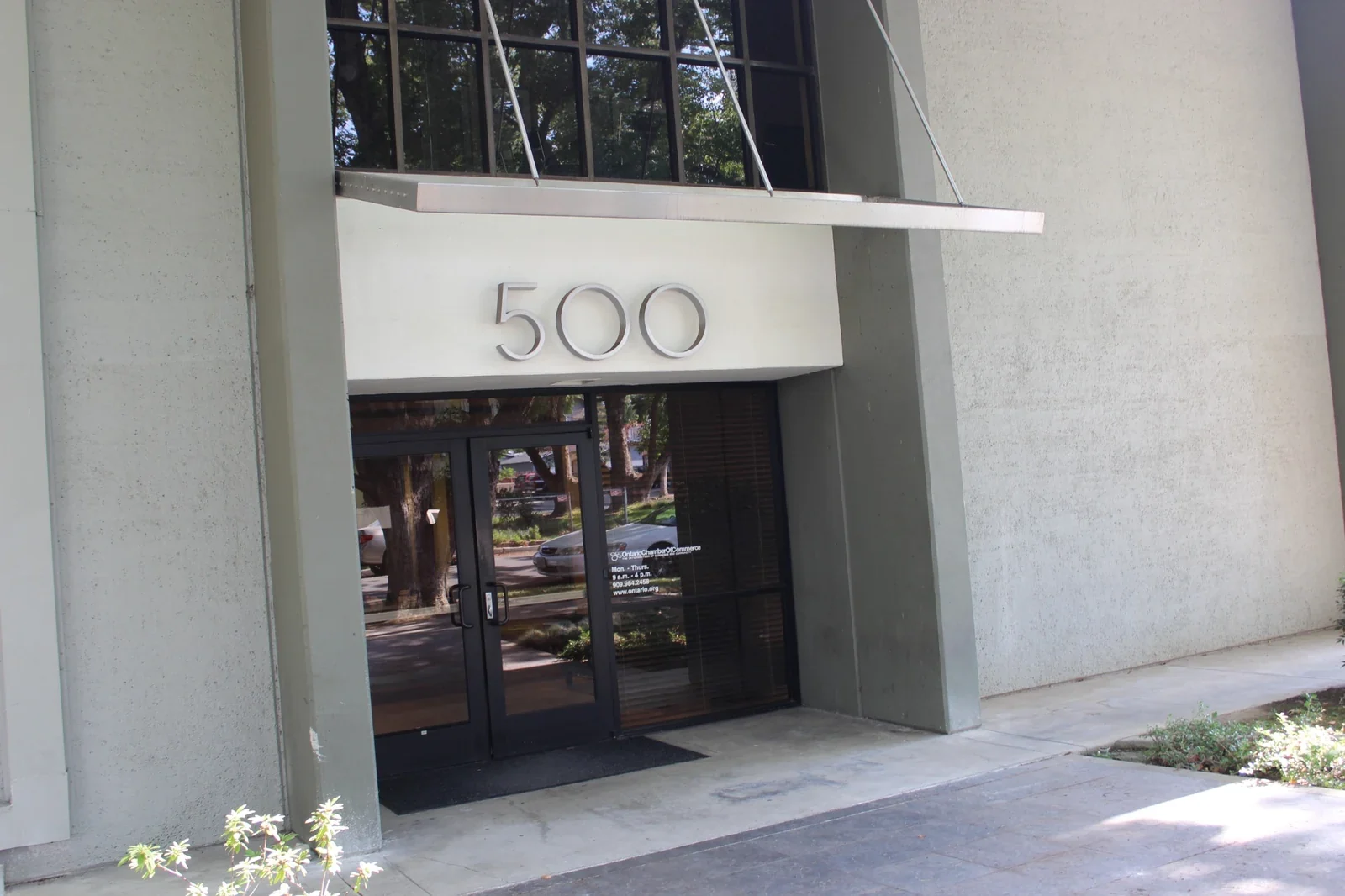
Gateway Executive Suites is at 500 East E St, Ontario, CA 91764, near Downtown Ontario. Free parking is available for hosts, guests, and crew. Confirm your visit, entry instructions, and the route for carrying equipment before arriving.
Gateway Executive Suites500 East E St
Ontario, CA 91764
Bring your format, equipment list, and full schedule.
Discuss the actual room, sound environment, everyone present, equipment footprint, power and connections, accessibility needs, preferred date, and the full time needed for setup, recording, and packing away.
Confirm suitability, total charges, and terms before committing. Equipment, soundproofing, technical operators, and production services are not automatically included. A saved planner brief does not send an inquiry or reserve a room.
Your questions.
Answered.
Find answers about room suitability, equipment, timing, and reservations so you can plan your session with clear expectations.
What kind of recording space can I ask about?
Gateway welcomes inquiries for professional office or meeting space that may suit podcasts, interviews, and spoken-content sessions. The specific room and recording arrangements are reviewed with you before confirmation. Recording equipment, acoustic treatment, technical support, and production services are not automatically included.
What equipment should I bring or ask about?
Tell us about your microphones, cameras, lighting, audio interface, laptop, and any other equipment you plan to use or need. Confirm the available room space, power, connections, and access before reserving. Ask what is available and what you need to bring; equipment, operators, and editing services should not be assumed to be included.
Is the room soundproof or acoustically treated?
Sound isolation and acoustic treatment are not automatically included with a room inquiry. Discuss your audio requirements and ask about reviewing the actual room and its sound environment before committing. The space needs to suit your recording method and expectations; a room reservation alone does not guarantee a particular recording quality.
How many people can attend?
Capacity depends on the available room and your setup. Share the number of hosts, guests, and crew, along with the space your equipment needs. Our team will confirm the room’s capacity and arrangement with you before you finalize the guest list.
What everyday amenities are available?
Gateway offers free parking, Wi-Fi, and 1-Gig download and upload fiber internet. Shared restrooms, refrigerators, microwaves, and water fountains are available, along with general Office Cleaning Service. Confirm any specific access, wired connection, or technical requirements for your session.
How much time should I allow for a session?
Plan for your agreed setup, equipment checks, recording, and packing away within the confirmed access window. Discuss the full duration with our team before reserving. Early entry, extra time, or an extended session must be agreed in advance and depends on availability and any applicable charges.
How do I check pricing, dates, and access?
Call (909) 988-3478 with your preferred date, start time, duration, participant count, and recording plans. We can discuss available options, pricing, and entry arrangements. Review the room, total, inclusions, and terms before confirming, including any additional equipment or service charges.
How do I reserve or change a session?
Use the inquiry form below to discuss a Podcast Room session, or call our team. An inquiry is not a reservation: the room, date, price, and arrangements must be confirmed. For an existing session, contact us with your booking details; changes and cancellations follow the agreed terms and availability. Podcast inquiries do not use the online meeting-room booking system.
What does the recording-session planner calculate?
The planner adds your setup, equipment check, planned content across all recordings, extra-take allowance, total breaks, and backup and pack-away time. Extra-take time is calculated for each recording and rounded up to a whole minute. The suggested content outline and audio, video, or remote-guest setup guide are planning examples, not equipment inclusions or a guarantee of finished output. You can copy or download a brief for your conversation with Gateway. It does not check capacity, sound quality, availability, pricing, or suitability, send an inquiry, or reserve a room.
Tell us your idea.
Let’s plan the room.
Call with your format, preferred date, participant count, equipment, and full session length, including setup and packing away. We’ll discuss the room, pricing, and access arrangements. Once your booking details are confirmed, you can finalize the schedule and share arrival information with your guests.
Podcast Room
500 East E St, Ontario, CA 91764
Discuss your sessionDiscuss your session opens the Contact page with Podcast Room selected. Your inquiry becomes a reservation only after the room, price, and arrangements are confirmed.Get directionsSave our contactA different plan?
Explore a different space.
 A full day of focus
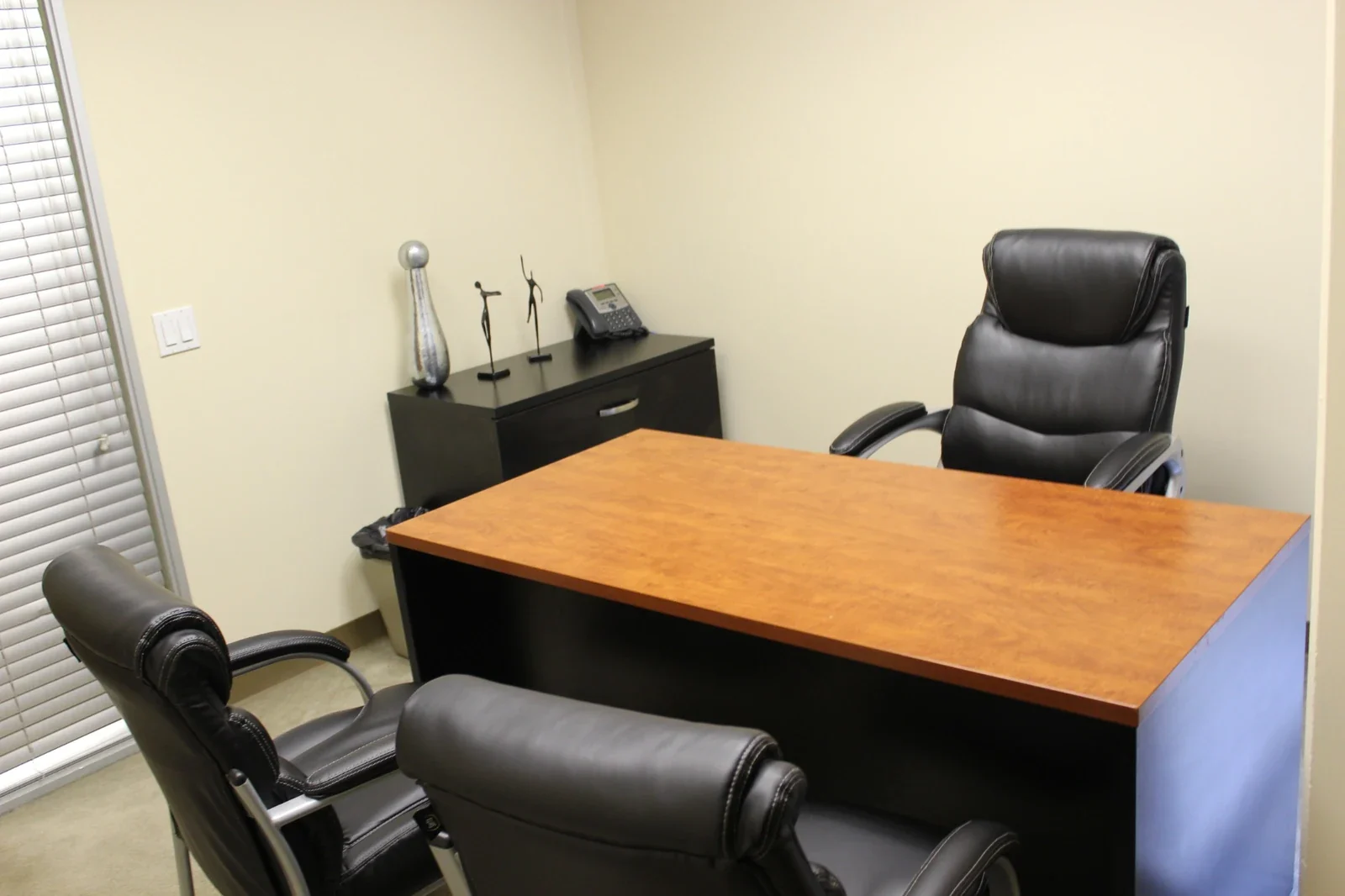
Day Office
A furnished private office for up to three people. Settle in for focused work, client conversations, or a day between appointments.
Explore the spaceBring ideas togetherConference Rooms
A professional setting for presentations and meaningful conversations. Our large conference room welcomes up to ten guests.
Explore the spaceYour everyday workspacePrivate Offices
A dedicated home for your business, with everyday essentials included and furnished options available for an additional fee.
Explore the possibilitiesTell us what you have in mind.
Share a few details about your workspace or recording plans. Our team can help you explore availability, arrange a visit, and discuss the next steps.
An inquiry starts a conversation. It does not reserve a room, confirm availability, or create a membership.