
Event space rental in Ontario, CA.
Make your next professional gathering feel like an occasion. Gateway Executive Suites offers a welcoming Ontario setting for networking, presentations, community programs, and team sessions, with free parking and 1-Gig download and upload fiber internet. Share your event type, guest count, and preferred schedule so we can confirm the room and arrangements before you reserve.
Try the event planner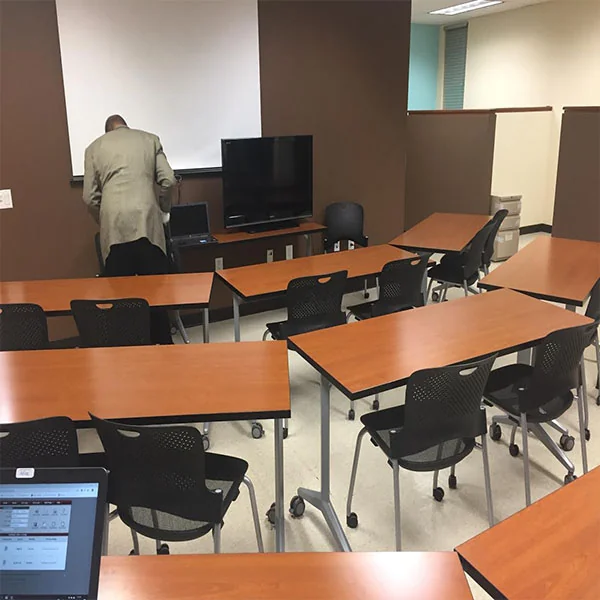 A Gateway gathering space
A place for your people and your purpose.
Start with the purpose of your gathering, how many people you expect, and the schedule you have in mind. Our team can help you review the room, existing setup, and access arrangements. Once the space is confirmed as suitable, use Satellite Deskworks to review the available time, total, and booking terms.
A setting that fits your purpose
Bring your event idea and expected guest count to our team. We’ll help you review the available room and existing setup so you can decide whether the space suits your gathering.
Clear arrangements from the start
Discuss equipment, entry, and the time needed for preparation and cleanup before booking. Knowing the practical details helps you organize your schedule and give guests clear information.
An easier visit for your guests
Free parking, internet, and shared facilities support a straightforward visit. Gateway’s location near Downtown Ontario makes it a convenient meeting point for local colleagues and visiting contacts.
What are you
bringing people together for?
Choose an idea to explore the format, practical details, and what to prepare. Then turn it into a working plan below.
Give new connections a place to begin.
Bring business owners, colleagues, or a professional group together for introductions and useful conversation. Give the gathering a simple rhythm: welcome people, explain the purpose, then leave time for conversations and a clear closing invitation.
Share the expected total attendance, including hosts, with Gateway. Confirm the room and its existing furniture before choosing your format. Free parking helps guests arrive; name badges, refreshments, event staffing, and any special setup need their own arrangements.
Make it yours. Prepare a short welcome, guest information, and a way for people to exchange details with one another.
Make your next idea the reason to gather.
Introduce a product, present a project, or share a business update with clients and colleagues. Open with the context, give the main presentation dedicated time, and finish with questions and a useful next step for the audience.
Discuss your display, sound, internet, and demonstration requirements before reserving. Confirm available equipment and connections, then bring the laptop, adapters, materials, and people your presentation needs. Allow time to test your setup within the agreed access window.
Make it yours. Bring your presentation and a backup copy; explain any product demonstration, recording, or equipment requirements in advance.
Turn a shared topic into something people can use.
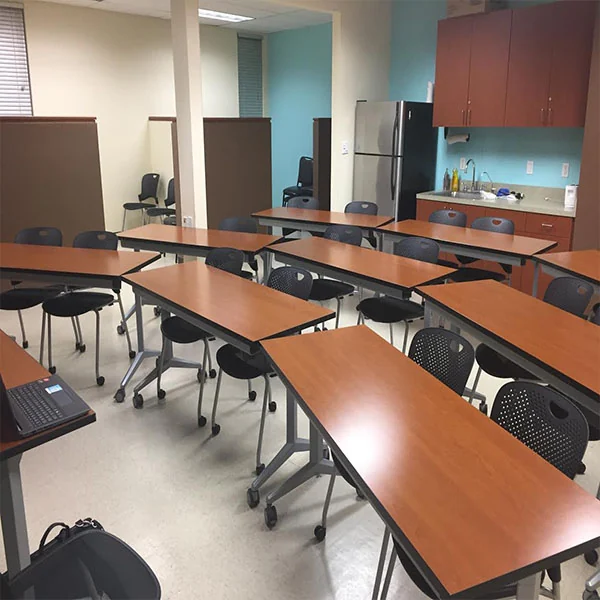
Lead a professional workshop where participants can learn an idea, work through an exercise, and compare what they discovered. A planned sequence helps you balance explanation with participation, without filling every minute with presentations.
Tell Gateway about the activities, materials, total headcount, and any equipment you will bring. Review the available room and existing desk or table arrangement; do not assume furniture can be moved. For a teaching-focused session, also explore the separate Training Room page and confirm its setup.
Make it yours. Bring an outline, participant materials, and your own facilitation plan; allow for a break and clearing away activities.
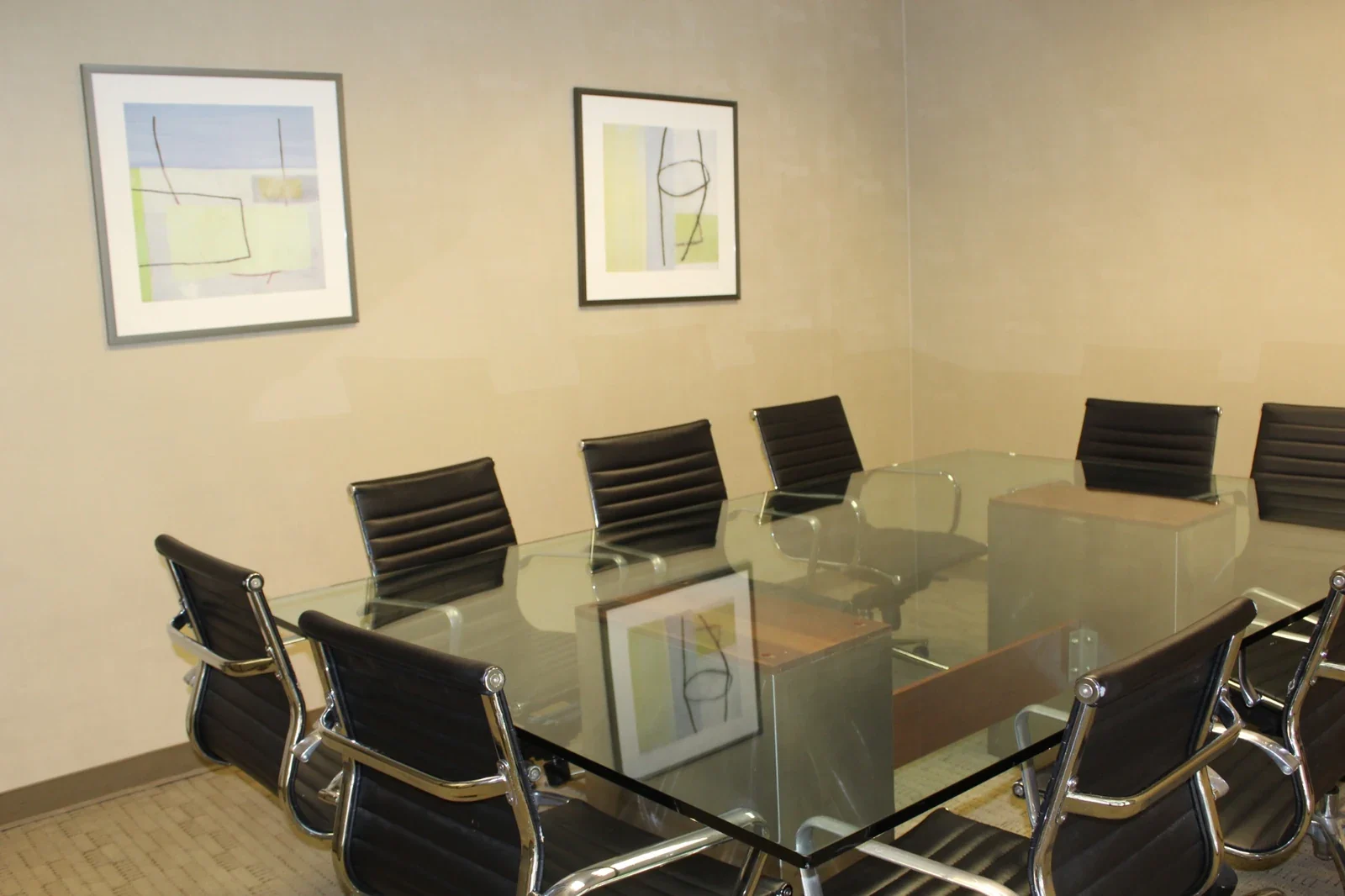
Give every perspective room to be heard.
Bring a small professional group, invited speakers, or community representatives together around a clear topic. A moderator can introduce the question, guide contributions, and leave time to draw out the points that matter most.
Count speakers, organizers, audience members, and any crew in the attendance you discuss with Gateway. Confirm the room’s existing seating, sightlines, audio requirements, and entry arrangements. A panel format does not imply a stage, microphones, recording support, or a particular audience capacity.
Make it yours. Share a running order with speakers, agree on a moderator, and decide how questions will be handled.
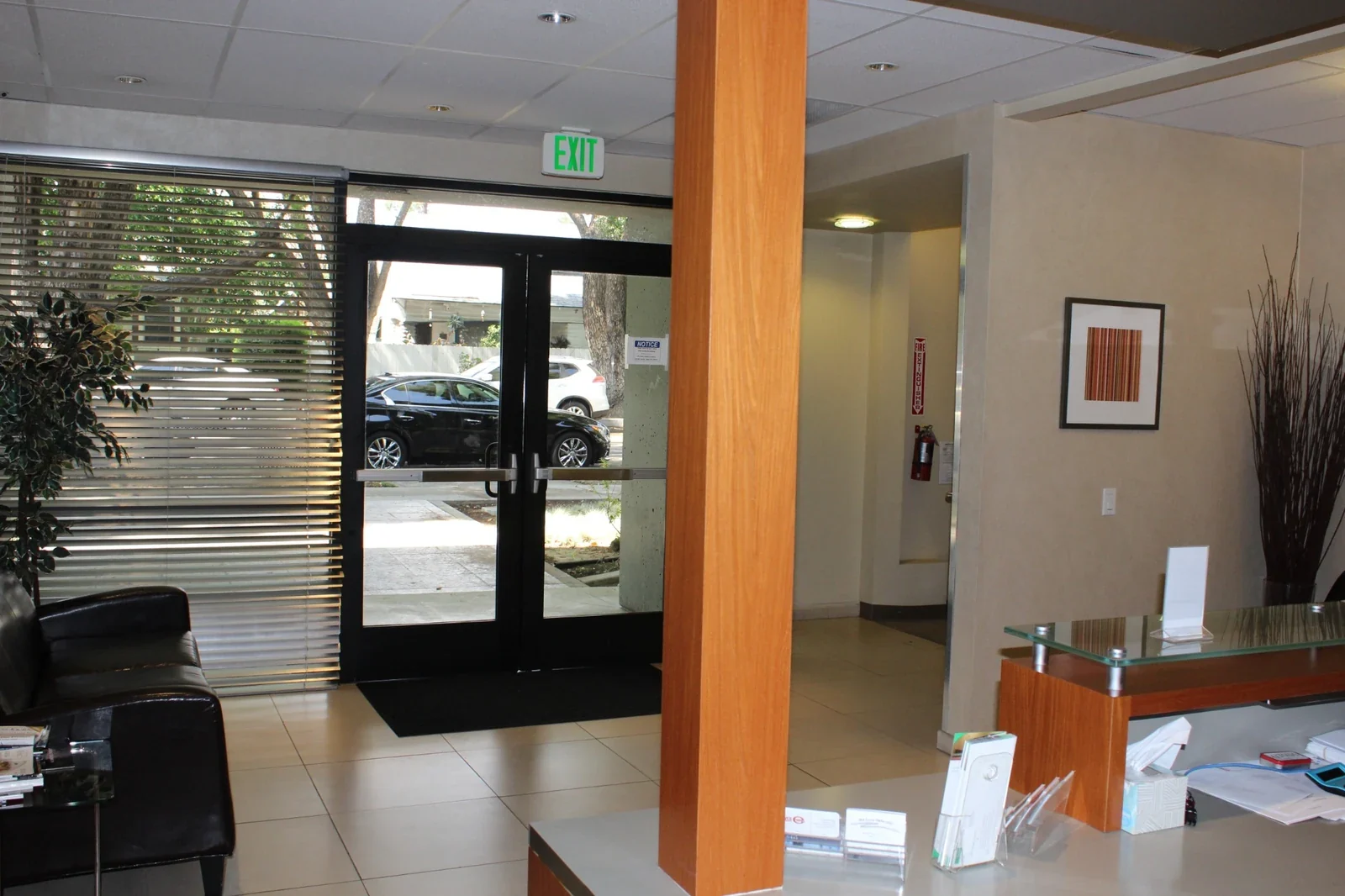
Bring people together around a shared purpose.
Plan an educational gathering, local discussion, or community program with a clear reason to attend. Make time to welcome participants, explain how the session works, and help people understand how to take part or stay involved afterward.
Describe the activities and expected visitors before booking so Gateway can review suitability. Discuss accessibility and entry needs, any food arrangements, equipment, and organizer responsibilities. Free parking and shared facilities support the visit; staffing or other event services are not automatically included.
Make it yours. Prepare clear joining instructions, a host contact, and the information participants need for the activities.
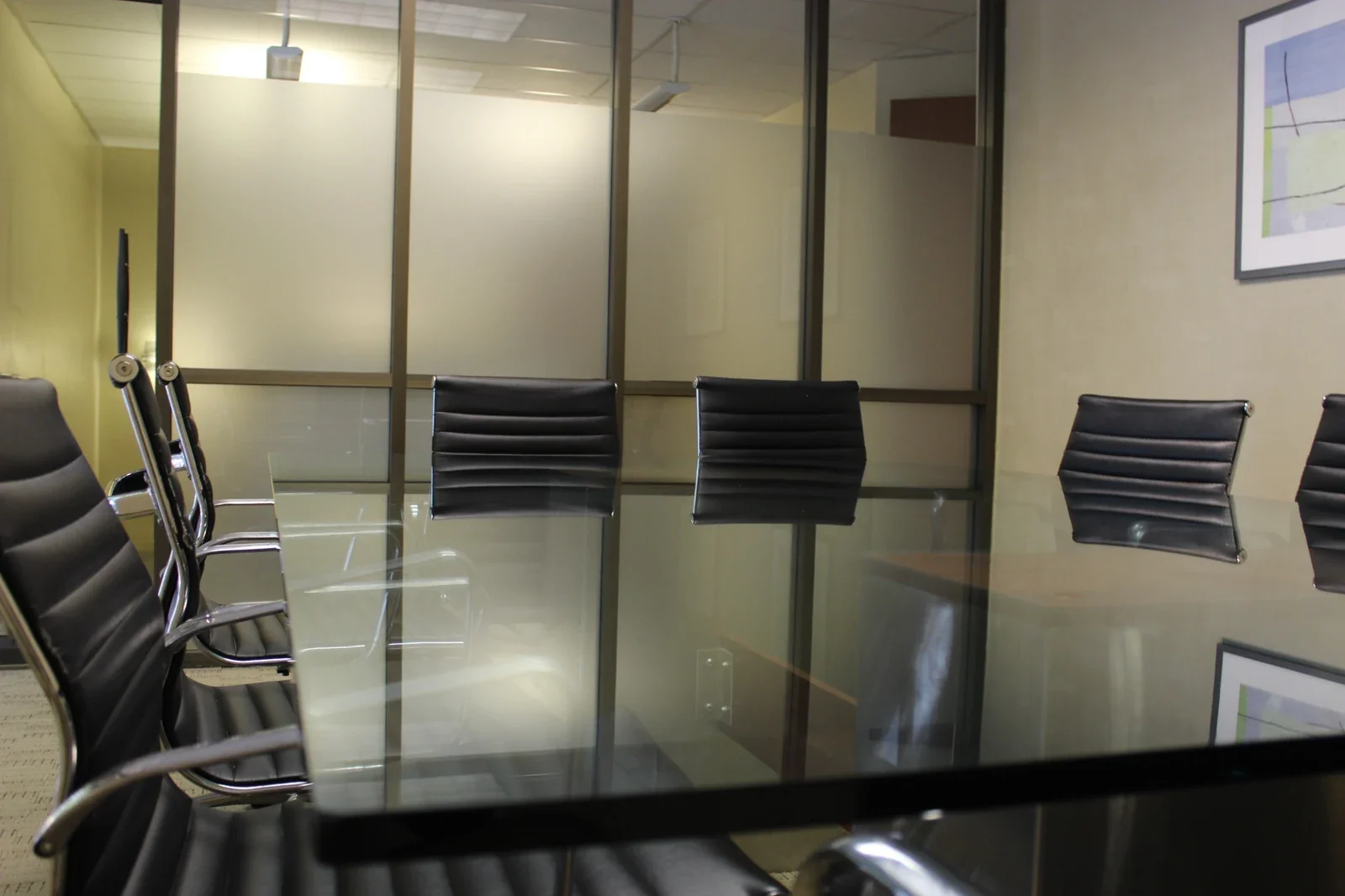
Bring the team together. Leave with a next step.
Set aside a session for a team update, project milestone, or shared planning discussion. Give everyone the context, spend the main part of the gathering on the work or conversation, and close with decisions that people can act on.
Match the format to the available space and existing furniture. Share the total group size and any presentation, remote-participant, or food needs with Gateway. Confirm the full access window so preparation and packing away are included, as well as the time the team spends together.
Make it yours. Bring a short agenda, relevant project materials, and a clear way to record decisions and responsibilities.
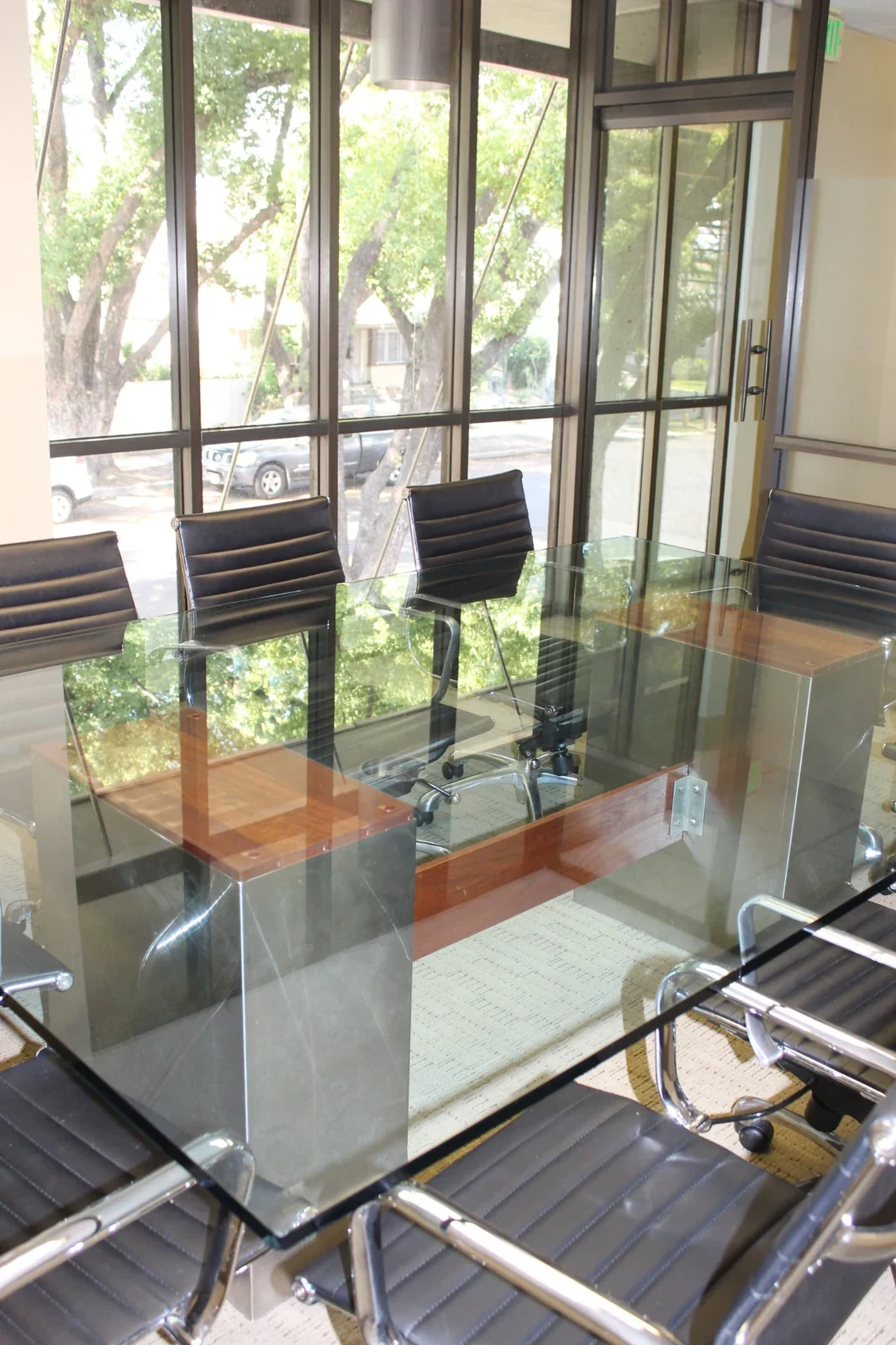
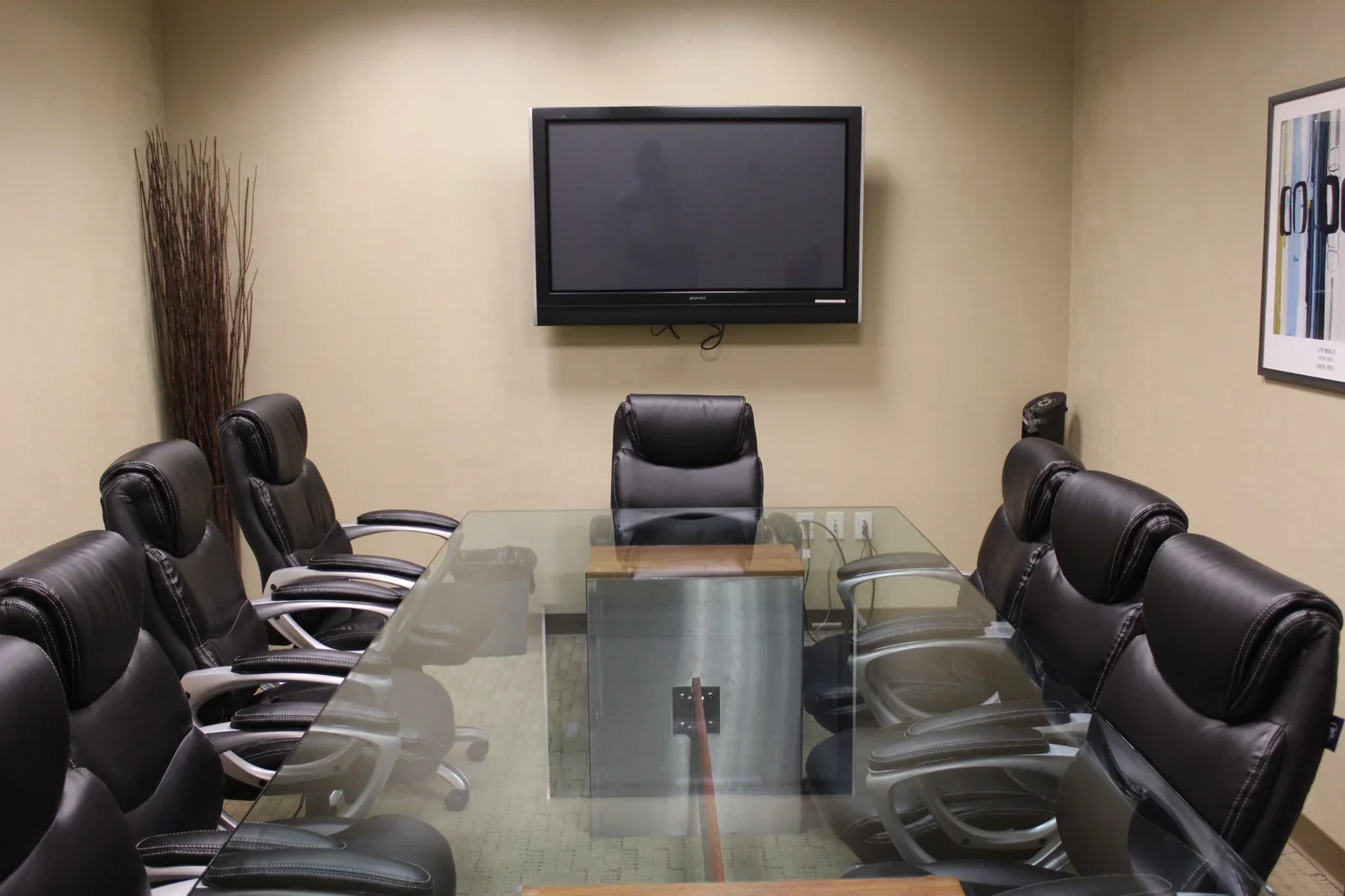
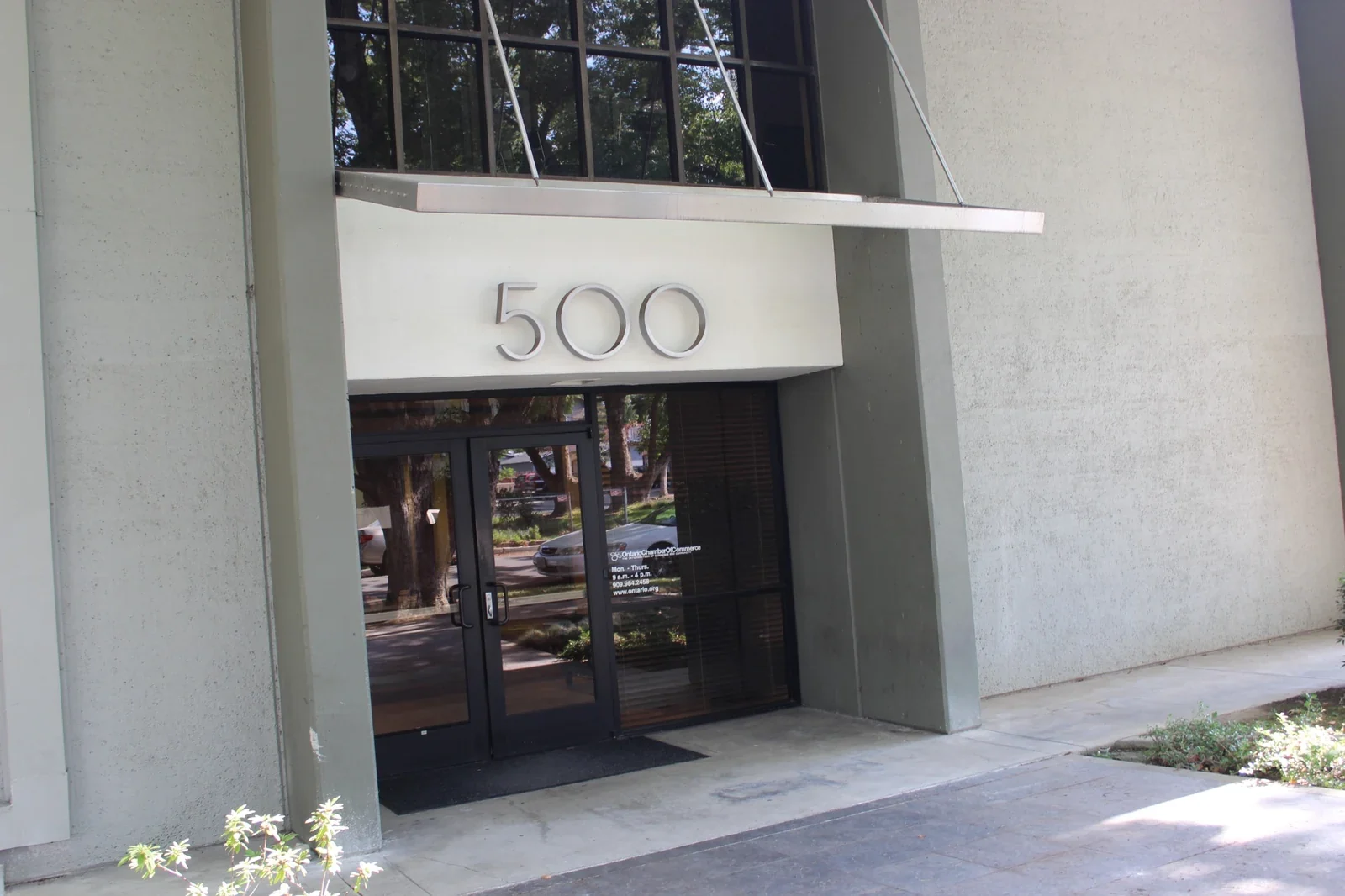
Photos show Gateway’s meeting spaces, training space, and shared areas. They illustrate the property, not six dedicated event rooms or a guaranteed event layout. Confirm the actual room, capacity, existing furniture, and equipment with our team.
A warm welcome.
Thoughtful essentials.
Help guests arrive comfortably, stay connected, and take a break between activities. These shared amenities support your gathering; specific event requirements are confirmed separately.
1-Gig fiber internet
Access online event materials, share documents, and stay connected with Wi-Fi and fiber internet offering 1-Gig download and upload speeds. Confirm any wired connection or technical setup your event requires.
Free parking
Give guests a simpler arrival with free parking at Gateway. Include 500 East E St, Ontario, CA 91764 in your invitation and share the agreed entry details before the event.
A professional welcome
Bring your guests into a professional business environment that sets the tone for conversation and participation. Coordinate arrival and room access with our team before you send final event details.
Shared conveniences
Shared refrigerators, microwaves, and water fountains are available for breaks between activities. If you are planning refreshments or catered food, discuss the arrangements with our team before your event.
Accessible shared facilities
Shared restrooms and accessible building facilities support a comfortable guest experience. Let us know about specific access needs so you can confirm the route and room before inviting participants.
Office Cleaning Service
A cared-for workplace helps your gathering feel professional from the start. Coordinate event preparation and cleanup with our team so responsibilities and the time needed are clear before you arrive.
Presentation equipment, catering, decorations, event staffing, and additional services are not automatically included. Discuss your plans and confirm permissions, availability, and any charges before reserving.
See how your
event could unfold.
Shape the program, allow for the practical details, and see the full room time. Leave with an event brief you can use in your conversation with Gateway.
Shape your gathering
Networking gatherings
10:00 AM – 1:15 PM
Main program2 hours
Arrival, breaks & practical time1 hour 15 minutes
Every segment is part of the room time. Select a stage below for a planning tip.
Prepare the room
Use your agreed preparation time to check the room, materials, and equipment. Confirm the existing setup; furniture changes and early access are not assumed.
20 people · capacity to confirmThis headcount is a discussion starting point. It does not establish that a room can accommodate your event.
Details to confirm with Gateway
Confirm that the existing room setup suits your networking format. Share arrival instructions with guests and arrange any name badges or refreshments separately.
Confirm the actual room, total headcount, existing furniture, full access window, equipment, total charges, and booking terms before you reserve.
Keep your plan. Start a conversation.
Copy or download your brief, then call Gateway to discuss the space. Saving a brief keeps it on your device; it does not send an inquiry.
Confirm suitability first. Choose your date and duration again in Deskworks under “Event Space.”
This guide calculates suggested time only. It does not check capacity, availability, pricing, or event suitability, reserve a room, or send your selections to Gateway or Deskworks. Preparation, arrival, breaks, and cleanup must fit within your confirmed reservation.
Bring your gathering to Ontario, California.
Give every guest one clear destination.
Gateway Executive Suites is at 500 East E St, Ontario, CA 91764, near Downtown Ontario. Free parking is available. Confirm the event room, capacity, arrival route, and any accessibility needs before sending your final invitation.
Gateway Executive Suites500 East E St
Ontario, CA 91764
Plan the whole event, from preparation to departure.
Include hosts, speakers, guests, and crew in your headcount. Agree on the existing room setup, equipment, food arrangements, and the full access window with Gateway.
After confirming suitability, use the “Event Space” category in Satellite Deskworks to review your date, duration, total charges, and terms before reserving.
Your questions.
Answered.
Find practical answers about capacity, equipment, timing, and reservations. For an event with particular requirements, talk with us before booking.
What kinds of events can I hold?
Gateway welcomes inquiries for professional gatherings, networking events, business presentations, community programs, and team sessions. Describe your activities, guest count, and schedule before booking so our team can confirm that the event is suitable for the available space.
How many guests can attend, and what is the setup?
Capacity depends on the specific room and the nature of your event. Share your expected guest count and format so our team can confirm the available capacity and existing setup. Do not assume furniture can be rearranged; discuss any particular requirements before reserving.
What is included, and what needs to be arranged separately?
Wi-Fi, 1-Gig download and upload fiber internet, free parking, and access to shared restrooms, refrigerators, microwaves, and water fountains are available. Presentation equipment, food or catering arrangements, decorations, and event services are not automatically included. Discuss your plans and confirm any permissions, available equipment, and charges before reserving.
How much time should I reserve?
Plan for the time your gathering needs, including any agreed preparation, guest arrival, event activity, and cleanup. Review the duration options in Deskworks and confirm the full access window with our team. Early entry or extra time after your reservation must be agreed in advance and is subject to availability and any applicable charges.
Can I reserve an evening or weekend event?
Availability can be arranged seven days a week, subject to the room and time available. Confirm your date, start and end times, and entry details before completing your booking. An evening or weekend reservation does not imply that staff or additional event services are included throughout your session.
Where can I check pricing and availability?
Use Book now to open Satellite Deskworks in a new tab and review the Event Space category. Confirm event suitability with our team, then review the available date, duration, total, and booking terms. Ask about any equipment or additional-service charges before confirming. If your preferred time is unavailable, call (909) 988-3478 to discuss options.
What if my plans change after booking?
Contact our team with your booking name, event date, and reservation reference, if available. Changes to guest count, activities, timing, or equipment may affect the room’s suitability and availability. Changes and cancellations follow the terms provided with your reservation; confirm revised arrangements before relying on them.
Does the event planner book a room or send my information?
No. The planner helps you estimate room time and prepare an event brief on your device. It does not check dates, prices, capacity, or availability, and it does not send your selections to Gateway or Deskworks. You can copy or download the brief, then call our team to confirm suitability and arrangements before completing an online reservation.
Which option should I select on the booking page?
Training Room and Event Space reservations use the same “Event Space” category in Deskworks. Confirm your intended use, group size, setup, and available time with our team before completing the reservation.
Bring us your plans.
Let’s find your space.
Call to confirm your event type, guest count, room, and access needs. Then open Satellite Deskworks to review the available date, duration, total, and booking terms. Allow for agreed preparation and cleanup within your reserved time so your gathering has the time it needs.
Event Space
500 East E St, Ontario, CA 91764
Book nowOpens in a new tab under “Event Space” in Deskworks. Confirm event suitability, capacity, and arrangements before booking.Get directionsSave our contactA different plan?
Explore a different space.
Bring ideas togetherConference Rooms
A professional setting for presentations and meaningful conversations. Our large conference room welcomes up to ten guests.
Explore the spaceLearn something togetherTraining Room
Bring your workshop, onboarding session, or seminar to life with a projector, whiteboard, and connected workspace.
Explore the space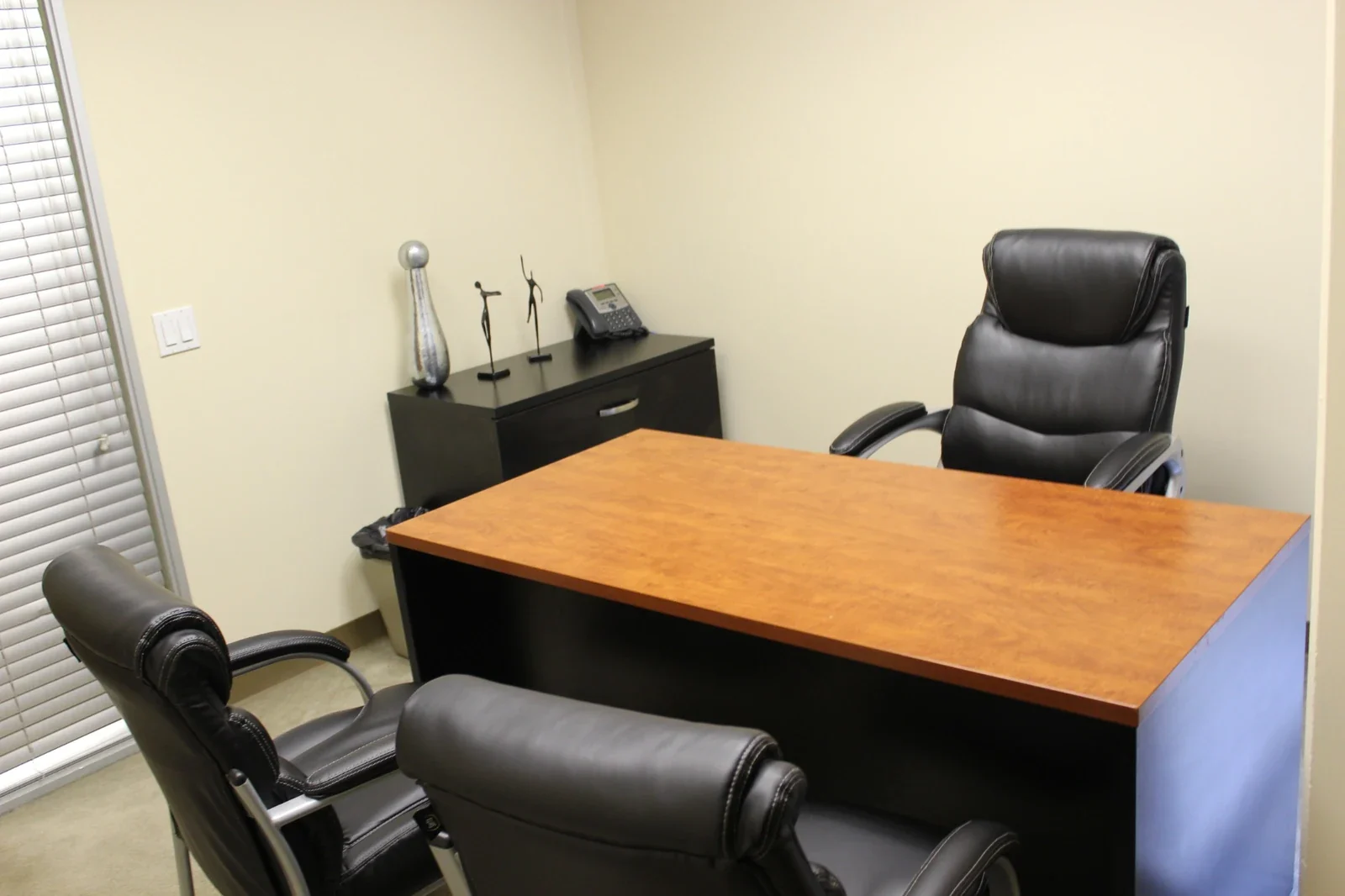 A full day of focus
Day Office
A furnished private office for up to three people. Settle in for focused work, client conversations, or a day between appointments.
Explore the space