
Medical & professional offices in Ontario, CA.
Explore private professional offices at Gateway Executive Suites for consultations, client appointments, and practice administration. Internet, utilities, Office Cleaning Service, and free parking support your working day. Tell us how you work, tour an available suite, and review the space together. Furnished options are available for an additional fee.
Explore a practice day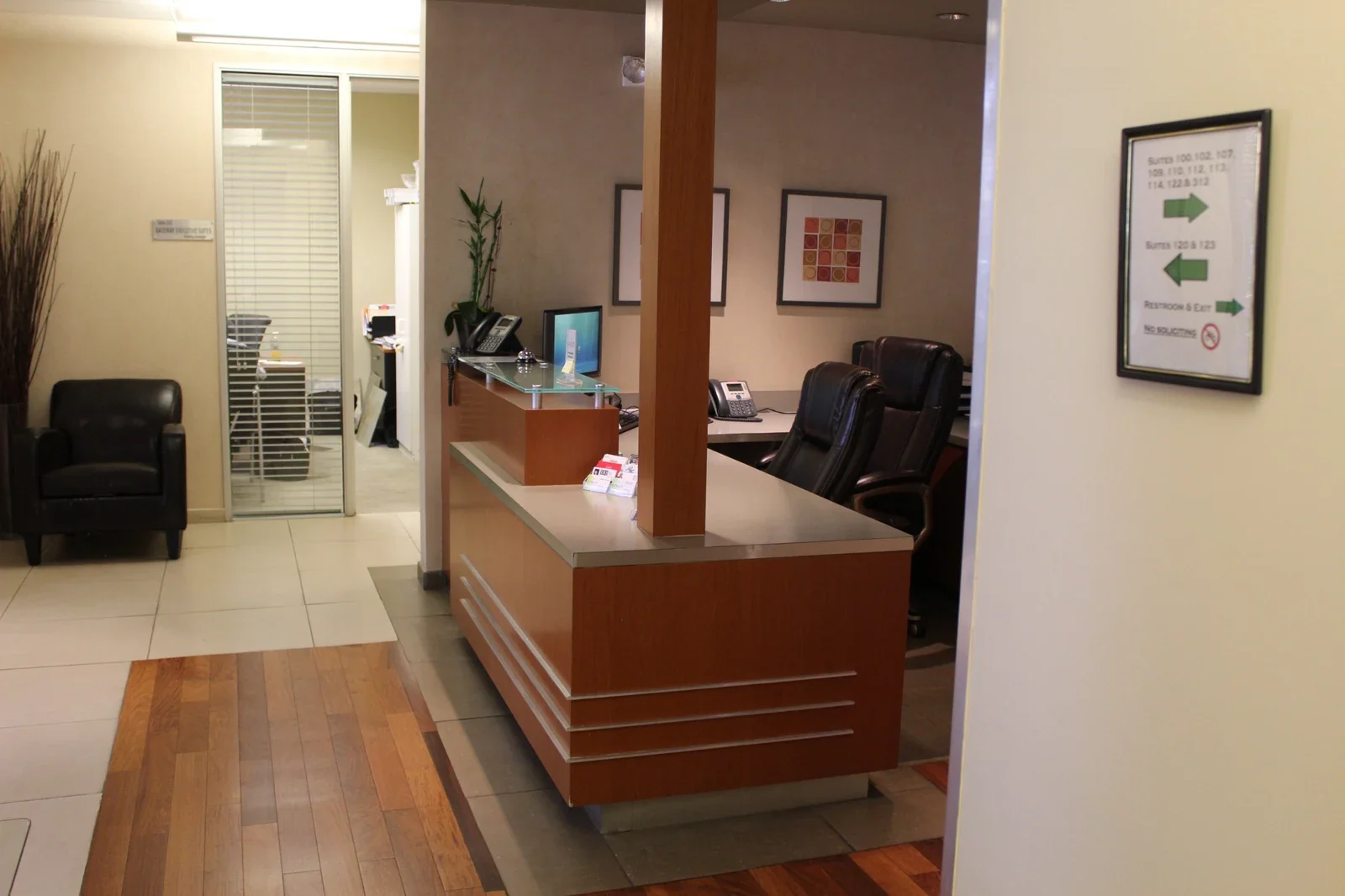 Gateway’s professional office environment
Find space that fits the way you practice.
Choosing an office starts with the way you work. Share your appointment schedule, the people you expect to welcome, and the space or equipment your practice needs. We’ll help you explore available suites and understand the office arrangements. A visit lets you consider the room before making a membership decision.
A dedicated base for your work
Bring appointments, preparation, and administration into a consistent professional setting. Tour an available office to see how its size and arrangement could support your daily routine.
Everyday essentials included
Wi-Fi, fiber internet, utilities, and Office Cleaning Service help simplify the practical side of your workspace. Review the inclusions and any optional services in your membership agreement.
An easier arrival for clients
Free parking and shared facilities help make visits straightforward. During your tour, discuss how clients will arrive, enter the building, and reach your office.
How could your
practice use the space?
Choose a use case to explore the day-to-day possibilities, the details to review, and what to bring to a tour.
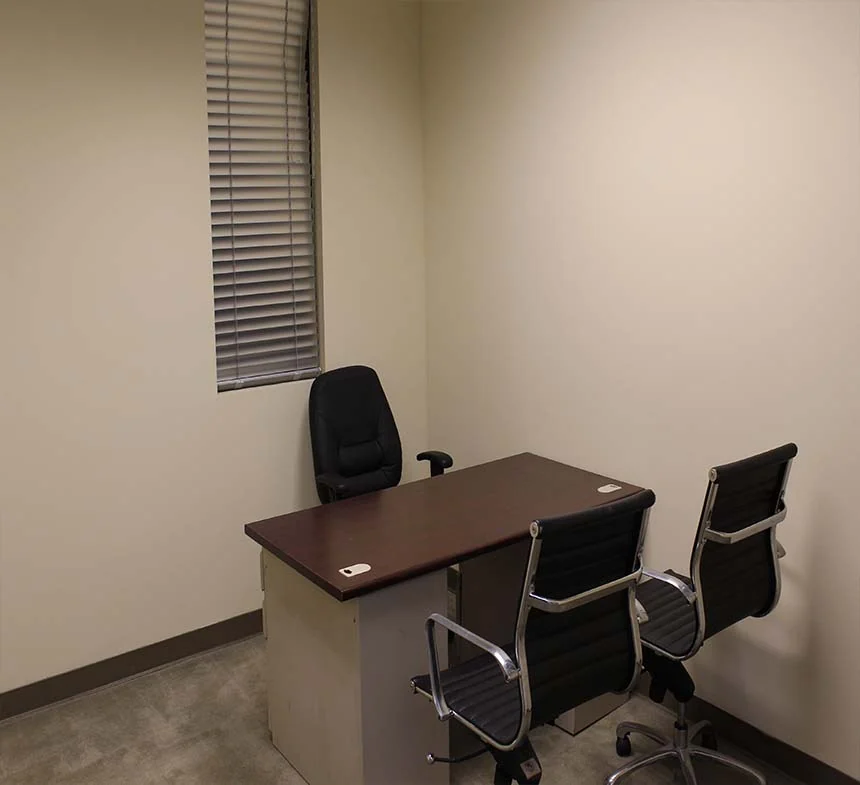
Give each appointment a professional setting.
A private office could give a consultation-based practitioner a consistent place to meet clients, discuss their goals, and complete the work around each appointment. A dedicated base also separates the working day from home and gives clients a clear destination.
Think through the whole visit: arrival, seating, the conversation, and time to finish notes or prepare for the next person. Review the actual suite for the people present, privacy, sound, and any equipment or facilities your work requires. Examination or treatment facilities are not assumed.
For your tour. Bring a general outline of your appointments, your typical visitor needs, and a list of essential facilities. You do not need to share client or patient information.
Look closely at the setting for a conversation.
Counselors and other conversation-based professionals can explore a dedicated office for scheduled one-to-one sessions and the administration between them. The right arrangement starts with how you and your clients need to use the room.
During a tour, consider seating positions, nearby activity, sound transmission, and how clients enter and leave. Discuss any overlap between appointments and whether the available space can support your privacy needs. A private office is not a promise of soundproofing or a verified confidential environment.
For your tour. List your privacy, access, and seating requirements before visiting. Confirm your professional requirements independently; furnished options carry an additional fee.
Make room for practical, focused conversations.
Nutrition education, wellness coaching, and similar conversation-based work may benefit from an office where you can review goals, explain materials, and discuss next steps with a client. Explore a setting that supports your own professional service and working style.
Consider how you will share documents or a screen, where both people will sit, and where your everyday supplies will go. Describe any hands-on activity, examination, equipment, or special cleaning needs separately so the proposed use can be reviewed. These offices are not advertised as equipped treatment rooms.
For your tour. Bring a short description of what happens in a typical visit, plus your equipment and storage needs. Ask what is permitted and what arrangements would cost extra.
Build a working base for appointments online.
An office can provide a consistent base for video appointments, professional phone conversations, and the preparation that surrounds them. Gateway’s included internet supports everyday office work; you bring your own approved devices, software, and service arrangements.
Assess the actual room for background, lighting, nearby noise, and privacy. Discuss connection options and test your own setup where agreed. Internet access alone does not establish the security, confidentiality, or suitability of your systems or professional service.
For your tour. List your computer, camera, headset, power, and connection needs. Confirm whether your intended activities and equipment are appropriate before choosing a suite.
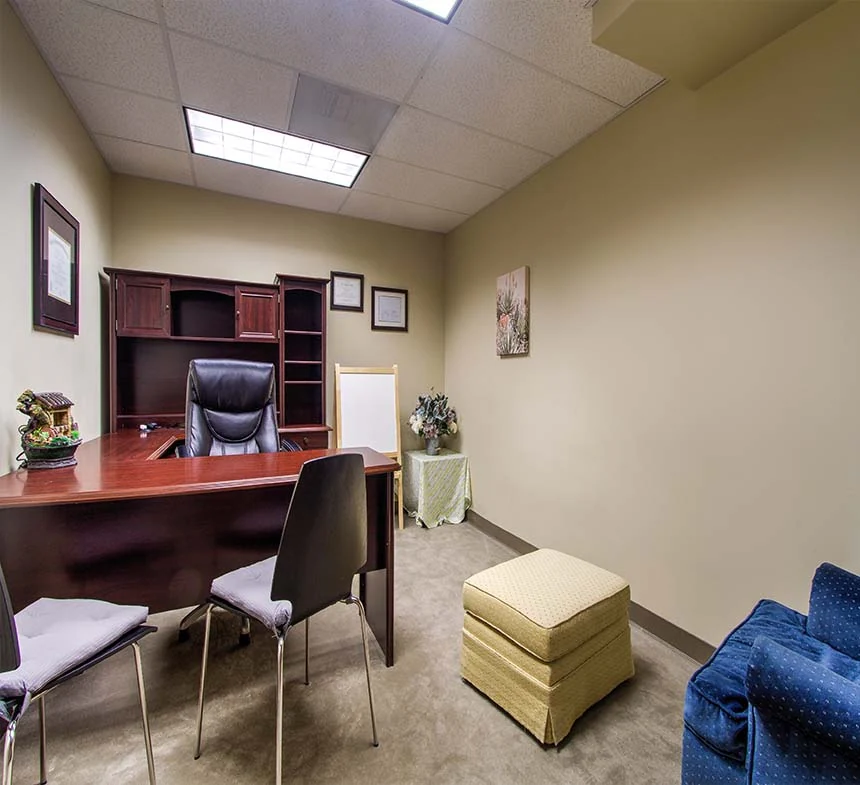
Give the work behind your practice its own space.
Scheduling, correspondence, billing administration, and business planning all need attention. A dedicated professional office could support a workday focused on these activities, whether you work independently or need to discuss an arrangement for a small administrative team.
Review desk space, the number of people working together, equipment, and any storage or visitor needs. You are responsible for your own information-handling systems and arrangements. Office membership does not automatically include reception staffing, appointment management, secure records storage, or clinical services.
For your tour. Bring your expected team size and a general description of the tasks, devices, and storage you need. Keep confidential records out of the inquiry.
Picture the next step before you commit.
If you are moving from home, establishing an independent practice, or relocating your working base, start by describing the way you expect to use an office. A tour lets you compare an available suite with your everyday needs before making a decision.
Talk through your preferred start date, anticipated appointments, administrative work, visitor access, and essential facilities. Review membership terms, total costs, availability, and furnished options separately. Your proposed work must suit the office, and any professional or operating requirements remain yours to confirm.
For your tour. Create a sample workday below, select the tour questions that matter most, and take the brief to your conversation with Gateway. An inquiry or tour does not reserve a suite.
These are possible uses of general professional offices, subject to review. Photos show Gateway’s office environment, not dedicated clinical rooms or a promise of a particular available suite, layout, or furnishings.
Everyday essentials.
A professional setting.
Everyday office services and shared conveniences help support your routine, from preparing for appointments to managing the business behind your practice.
1-Gig fiber internet
Keep scheduling, correspondence, and everyday administration moving with Wi-Fi and fiber internet offering 1-Gig download and upload speeds. Discuss any wired connection or particular technical needs during your tour.
Free parking
Give clients and colleagues a convenient arrival with free parking at Gateway. Share the building address and agreed entry instructions before appointments so visitors know where to go.
A professional welcome
Establish your practice within a professional business environment. Our team can explain the property and help you review arrival arrangements, so you can plan how to welcome your own clients.
Shared conveniences
Shared refrigerators, microwaves, and water fountains support breaks between appointments and administrative tasks. These practical facilities help you settle into an everyday office routine.
Accessible shared facilities
Shared restrooms and accessible building facilities support office visits. Walk through the route to the available suite and discuss any specific client access needs with our team before choosing your space.
Office Cleaning Service
General office cleaning helps maintain a professional working environment. Review the included service and any practice-specific cleaning requirements when considering the suite and membership arrangements.
Furnishings are available for an additional fee. Clinical equipment and specialist services are not included. Meeting rooms, copying, and phone options are separate services; your membership agreement confirms inclusions and charges.
Make room for
your whole workday.
Appointments are one part of the day. Explore your time budget, choose questions for the space, and leave with a brief for your visit.
Shape a sample day
Use 0 for an administration-only day. Choose the time your own work requires.
Include preparation, notes, calls, and business tasks in administration. Keep breaks separate.
Consultation appointments
Unallocated time within your 8-hour day. Keep it flexible or adjust your plan.
4 appointments × 45 minutes = 180 minutes
Time for the appointments you entered. This is a time calculation, not an appointment recommendation or a measure of office capacity.
Select a category to see the calculation. The circle shows the larger of your workday or your planned time, so an overfilled day stays visible.
Your day, made clearer.
Enter a valid appointment count to see the updated time budget. Your tour questions remain available below.
What would you like to explore on a tour?
Choose a topic, review the questions, and add the ones you want to take with you.
Privacy & sound
Experience the actual office before deciding.
- How does sound travel between the suite, corridor, and nearby rooms?
- Can the seating, door position, and visitor flow support the privacy you need?
- What arrangements will you need for your own devices, records, and confidential conversations?
A private office is not a guarantee of soundproofing or professional privacy compliance.
Client arrival
Walk through the visit from parking to departure.
- How will clients enter during your intended appointment hours?
- Does the route, suite, and access to shared restrooms meet your visitors’ needs?
- What happens if someone arrives early or appointments overlap?
Free parking is included. Confirm entry, accessibility, and any waiting arrangement; a staffed reception or dedicated waiting room is not assumed.
Office setup
Compare the available suite with the way you work.
- Will the actual suite accommodate your people, seating, and equipment?
- Which furnishings would you provide, and what would a furnished option cost?
- Are your intended activities, storage needs, and any alterations permitted?
Photos illustrate Gateway offices. Furnished options cost extra; clinical equipment, specialist fit-out, and treatment facilities are not included.
Technology & essentials
Check the details that support your working day.
- Which internet connection options and power outlets are available in the suite?
- Can you test your own devices and call setup during an agreed visit?
- What are the access arrangements, membership terms, total charges, and cleaning arrangements?
Internet, utilities, and Office Cleaning Service support general office use. Your own equipment, systems, security, and professional requirements need separate assessment.
Bring your plan.
Find your space.
Keep a copy of your sample day and selected tour questions. Call Gateway to discuss your practice and arrange a visit to an available office.
No tour topics added yet. Choose the questions that matter to you.
Saving a brief keeps it on your device. It does not send an inquiry or reserve an office.
This is a workspace planning guide, not clinical guidance. It does not check office suitability, capacity, availability, pricing, access, or professional requirements. Discuss the actual suite with Gateway and confirm the requirements that apply to your work. No client or patient information is needed here.
Visit a professional office in Ontario, California.
Review the actual suite before choosing your next workspace.
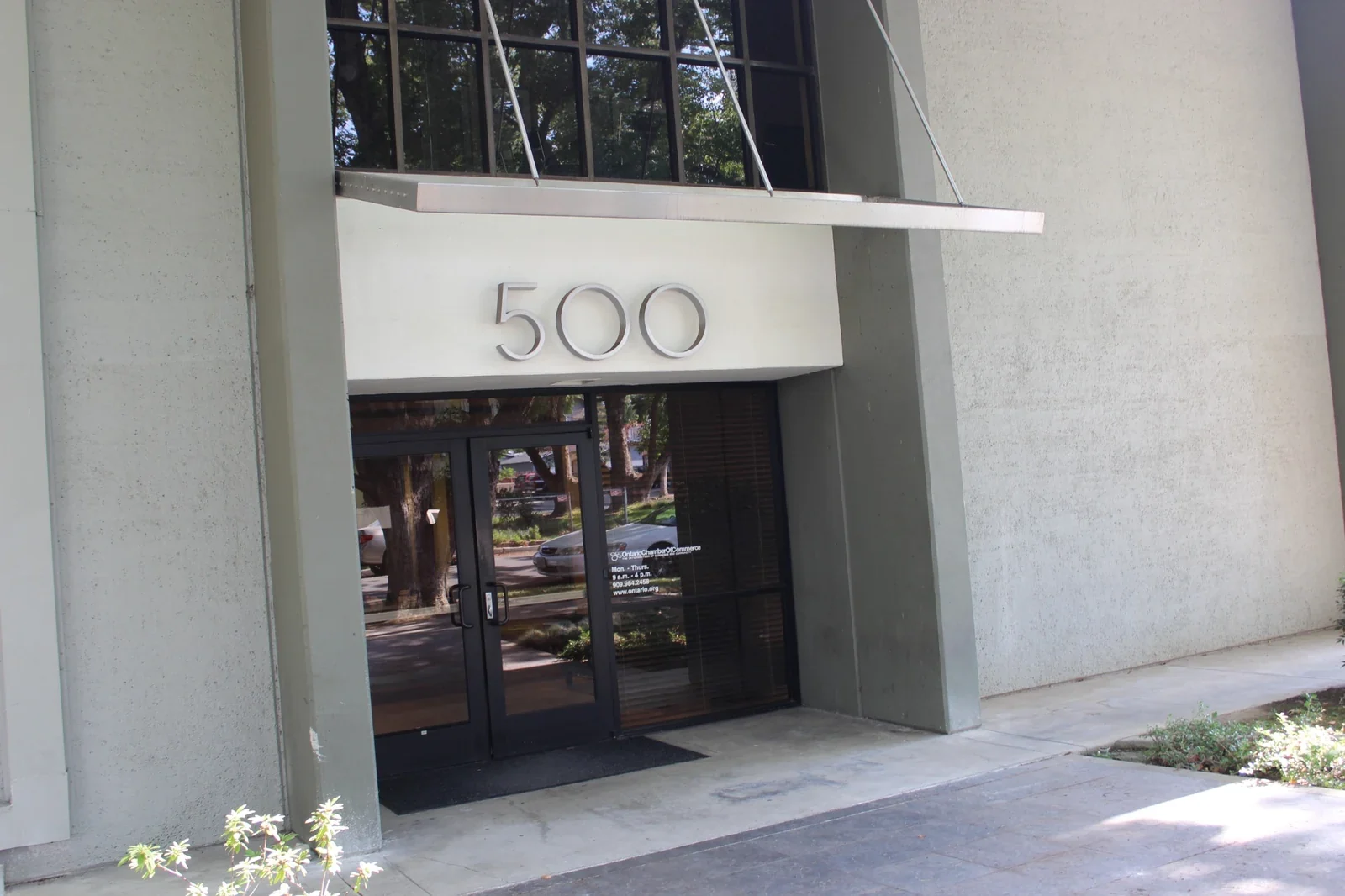
Find Gateway Executive Suites at 500 East E St, Ontario, CA 91764, near Downtown Ontario. Free parking is available. Call to arrange a visit and walk through the route from parking to the available office, including any accessibility and visitor-entry needs.
Gateway Executive Suites500 East E St
Ontario, CA 91764
Bring your requirements. Review the office together.
Share a general description of your activities, expected visitors, equipment, preferred start date, and workspace needs. Client and patient records are not needed for an office inquiry.
Confirm the suite, privacy and sound, permitted use, furnishing costs, access arrangements, total charges, and membership terms. These are general professional offices; clinical equipment and specialist fit-out are not included.
Your questions.
Answered.
Learn about inclusions, furnishings, client visits, and the next steps. Your tour is the time to review the actual office and discuss what your practice needs.
What kind of office space is available?
Gateway offers private professional offices within a coworking and executive-suite environment. These may suit consultation-based work, client appointments, and practice administration, depending on the individual suite and intended activities. Clinical equipment, treatment services, and a specialized medical fit-out are not included.
How do I know whether an office fits my practice?
Tell us about your intended activities, expected visitors, equipment, and essential space needs. Tour the actual available suite and review its size, privacy, sound, access, and facilities. Our team can explain the office arrangements; you should confirm that the space meets your practice’s professional, privacy, and operating requirements before committing.
What everyday amenities are included?
Private offices include Wi-Fi, 1-Gig download and upload fiber internet, electricity, water, gas, and Office Cleaning Service. Free parking and access to shared restrooms, refrigerators, microwaves, and water fountains are available. Your membership agreement confirms inclusions. The included cleaning service is for general office use; discuss any clinical cleaning or sterilization requirements separately.
Are furnished offices available?
Furnished options are available for an additional fee. Ask our team about the furnishings available for the suite you are considering and review the charge before committing. Photos show Gateway’s office environment; the furnishings pictured are not automatically included with an office membership.
Can I welcome clients for appointments?
Discuss your appointment-based use, expected visitor numbers, and schedule with our team. Review the room’s capacity, privacy, and accessibility during your tour, then confirm member access and visitor entry arrangements. Please confirm those details before scheduling clients; access arrangements do not imply continuous staffed reception.
Can I bring equipment or make changes to the office?
Explain the equipment, connections, facilities, or proposed alterations your practice would need before choosing a suite. Confirm what the available office can support and what permissions would be required. Do not assume specialist infrastructure, equipment installation, or modifications are included or available.
How do I check rates, availability, and membership terms?
Call (909) 988-3478 with your intended use, preferred start date, and space requirements. We can discuss available offices and the applicable membership terms. Review the fee, inclusions, furnished-option charges, access arrangements, and any separate services before entering an agreement.
How do I arrange a tour or take the next step?
Use the inquiry form below to ask about a Medical Office or arrange a tour, or call (909) 988-3478. Visits are by arrangement. Share a general description of your practice and workspace needs; patient records are not needed for an office inquiry. A call or tour does not reserve a suite, and this service is not booked through the online room-reservation system.
What does the practice-day planner tell me?
The planner adds the appointment time, gaps between appointments, administration, and breaks you choose, then compares that total with your own workday length. Its starting examples are illustrative, not recommended appointment lengths or clinical guidance. You can also choose questions for a tour and copy or download a brief. The planner does not confirm office suitability, capacity, access hours, availability, pricing, or professional compliance. It does not send your selections to Gateway or reserve an office.
Tour the office.
Picture your practice.
Call with your intended use, preferred start date, and essential workspace needs. We’ll discuss available suites and arrange a visit. See the actual room, review the membership terms and optional furnishing costs, and confirm the arrangements for your practice before deciding.
Medical Offices
500 East E St, Ontario, CA 91764
Arrange a tourArrange a tour opens the Contact page with Medical Offices selected. Visits are by arrangement; an inquiry or tour does not reserve a suite.Get directionsSave our contactA different plan?
Explore a different space.
Your everyday workspacePrivate Offices
A dedicated home for your business, with everyday essentials included and furnished options available for an additional fee.
Explore the possibilities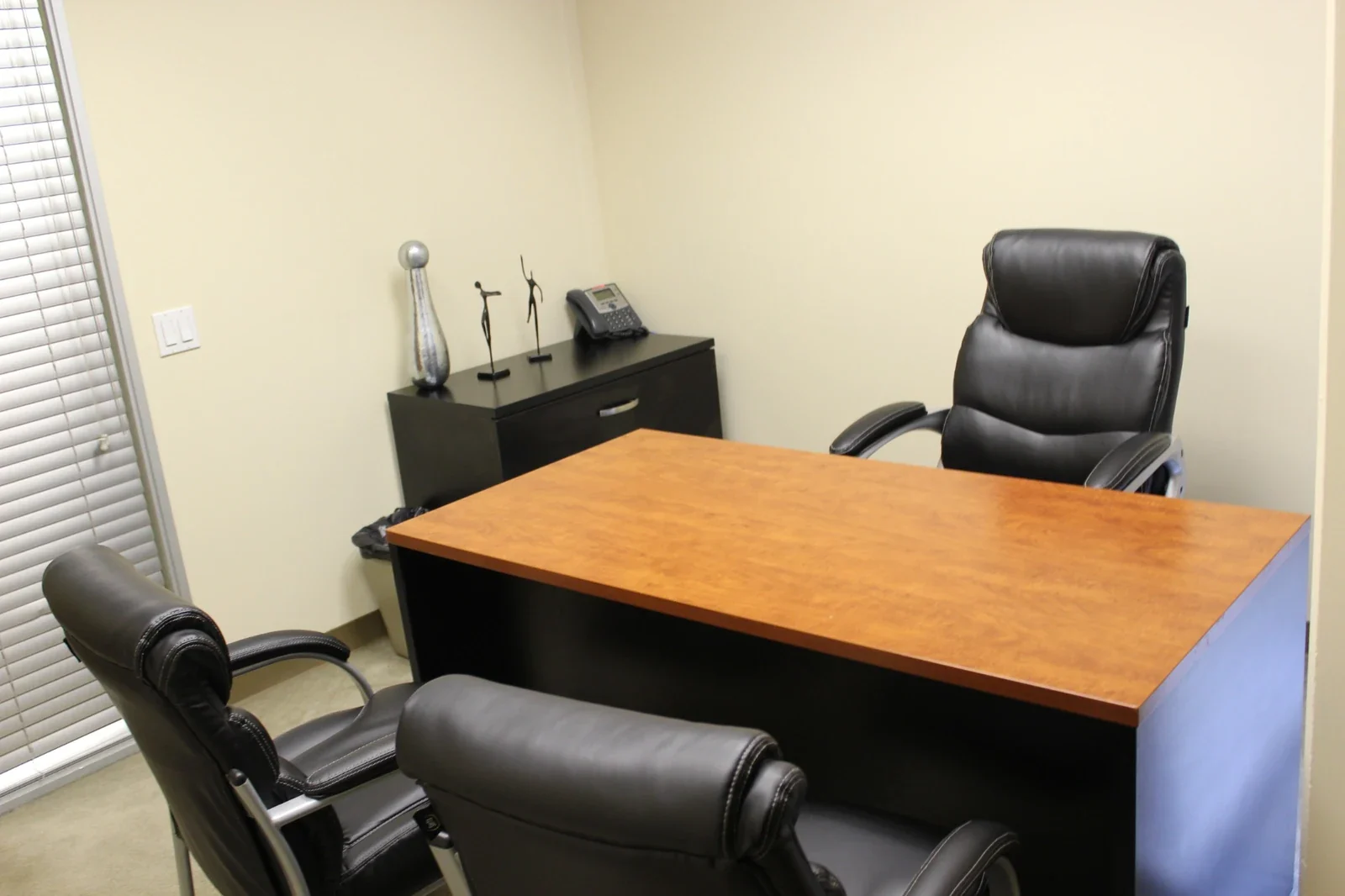 A full day of focus
Day Office
A furnished private office for up to three people. Settle in for focused work, client conversations, or a day between appointments.
Explore the space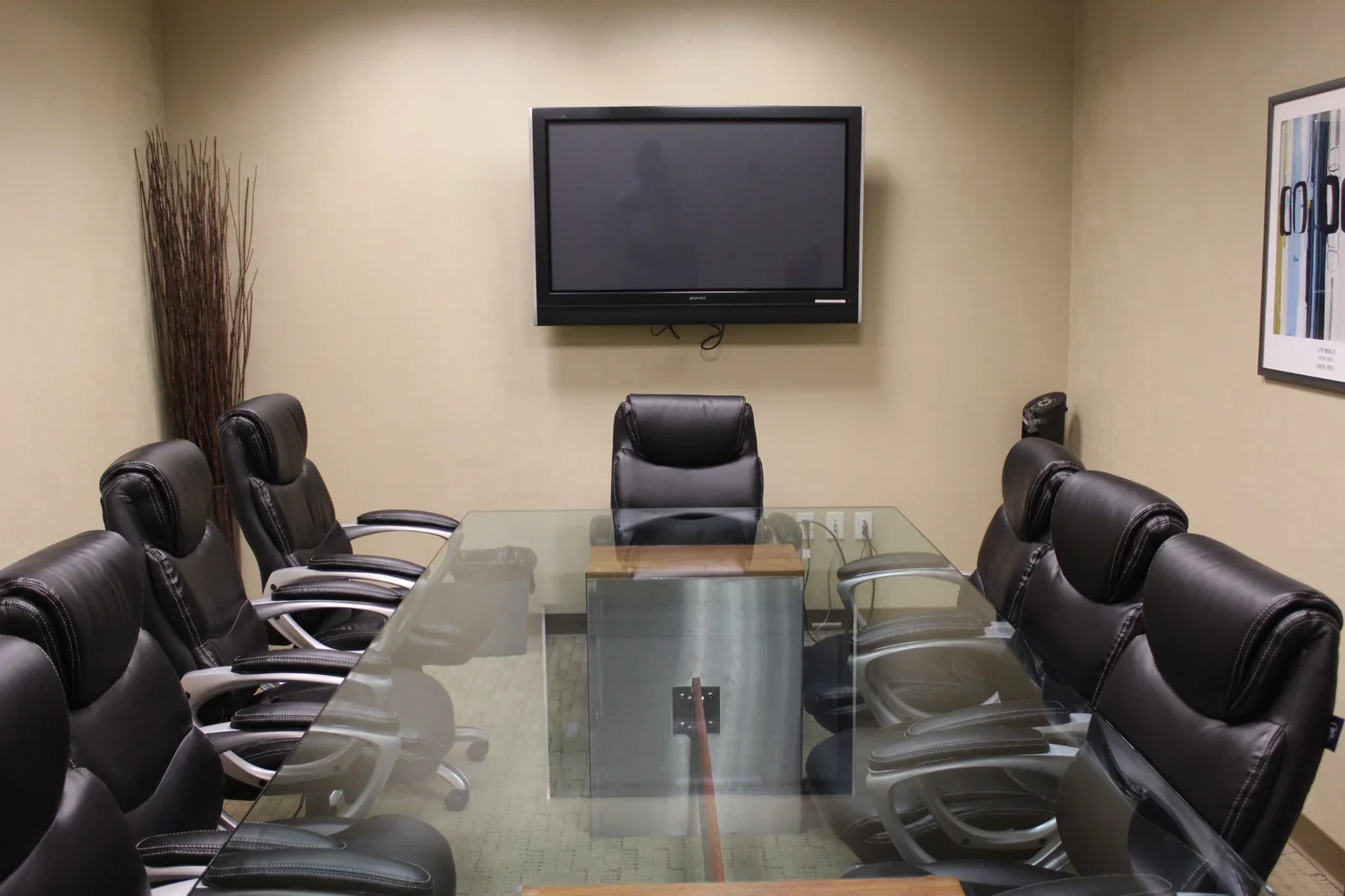 Bring ideas together
Conference Rooms
A professional setting for presentations and meaningful conversations. Our large conference room welcomes up to ten guests.
Explore the spaceTell us what you have in mind.
Share a few details about your workspace or recording plans. Our team can help you explore availability, arrange a visit, and discuss the next steps.
An inquiry starts a conversation. It does not reserve a room, confirm availability, or create a membership.